Extend a photo

AI image extender

Let AI imagine past the edge.

A real inpainting model continues your scene — downloaded once, then run on your own device.

Free · No sign-up · Photos stay on your device

or drop a photo anywhere here, or paste one

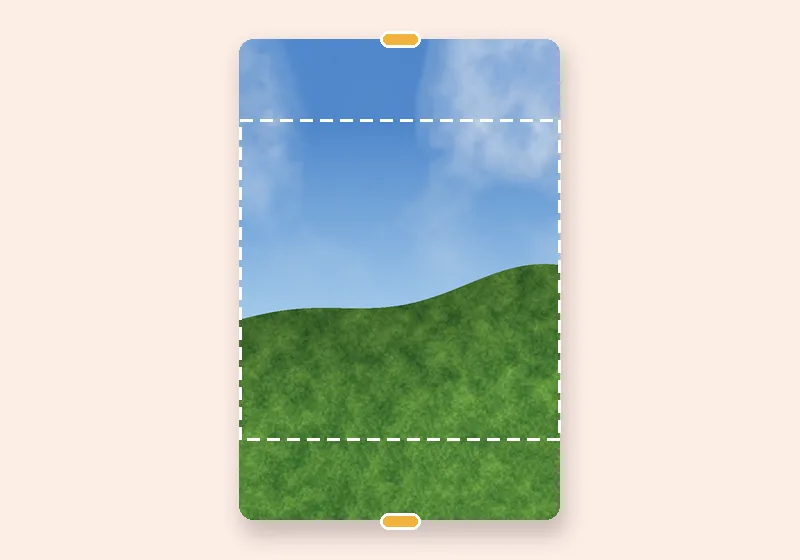
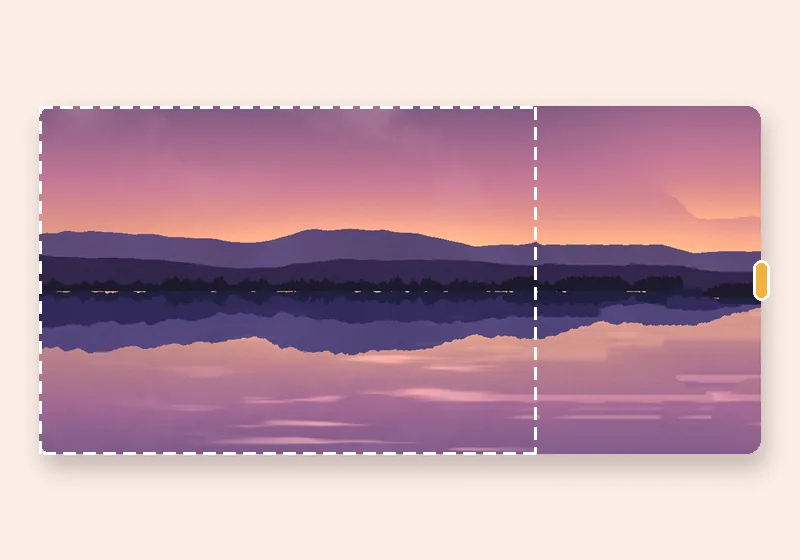
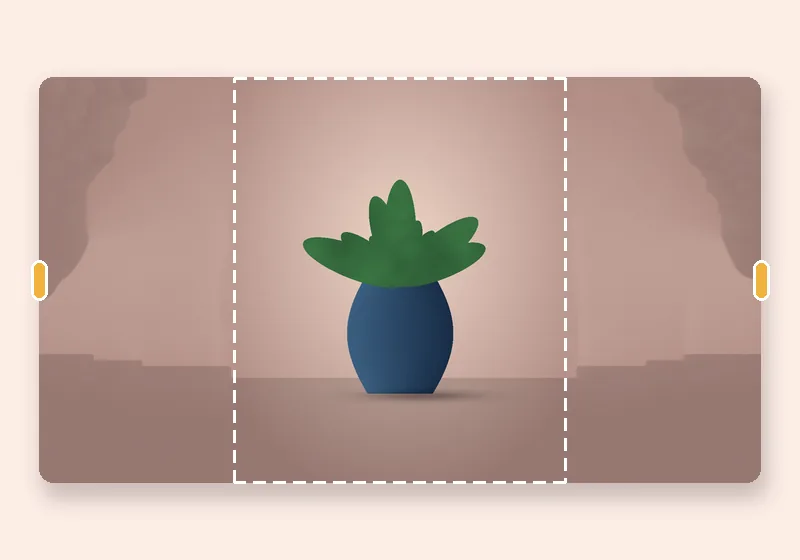
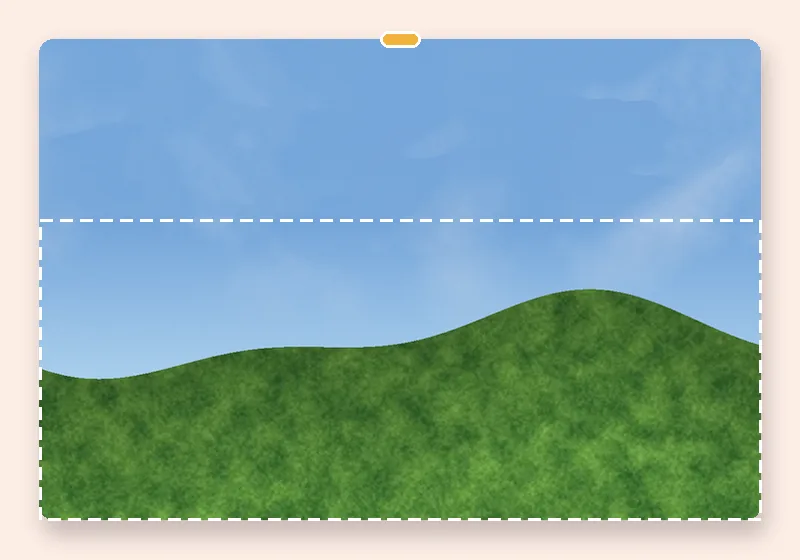
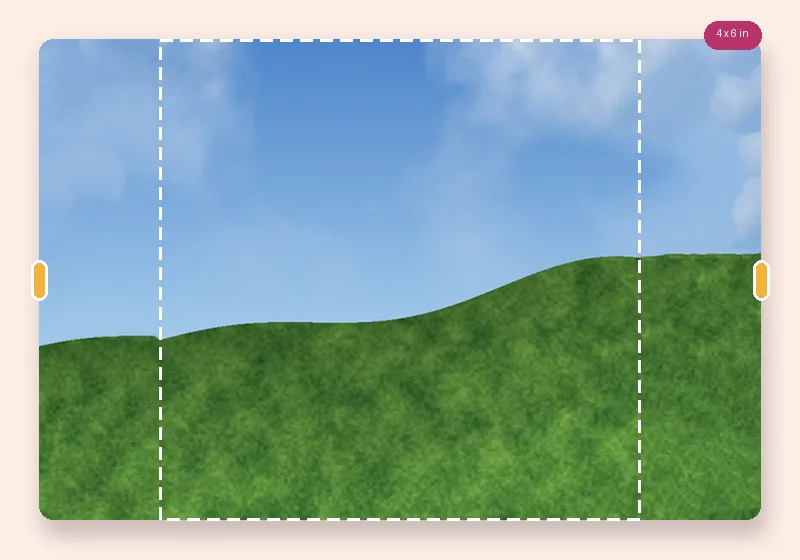
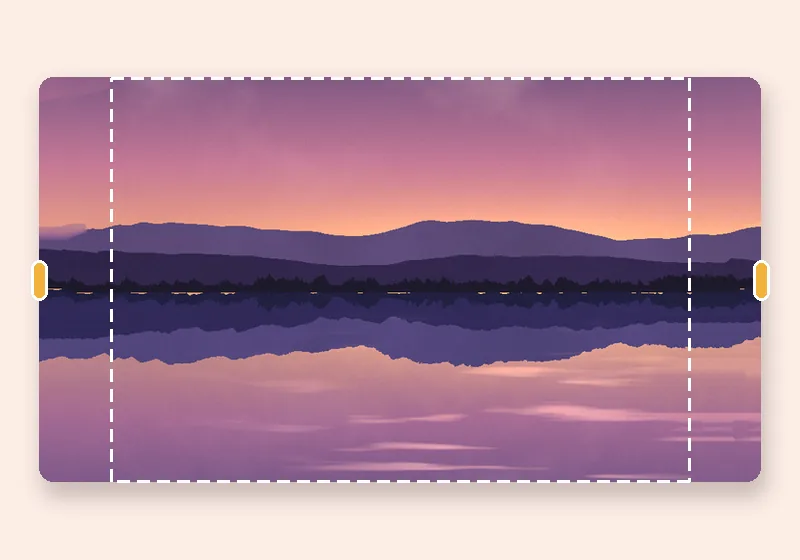
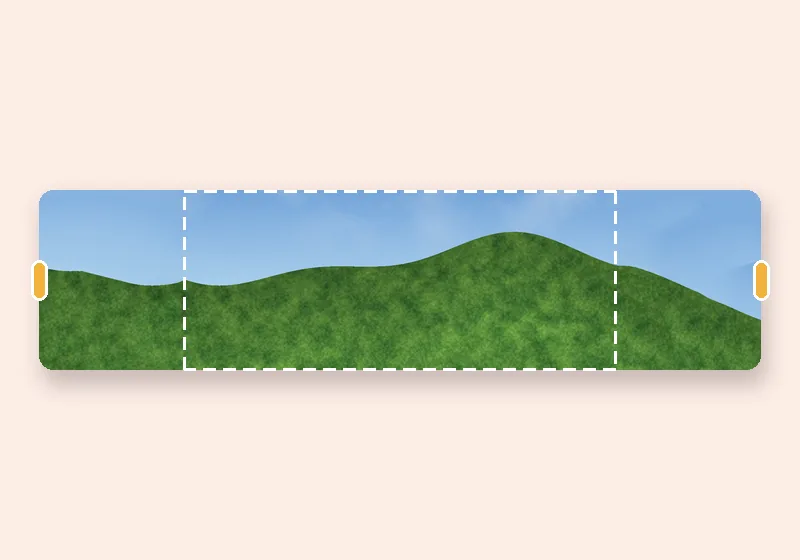
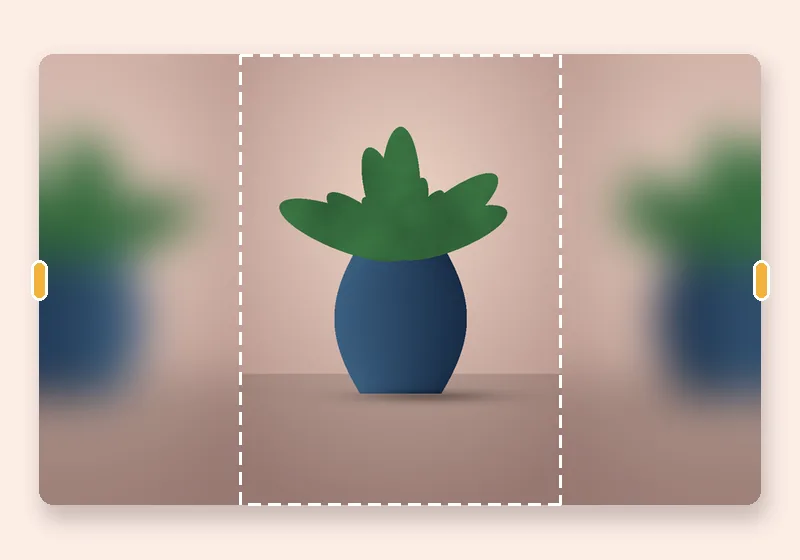
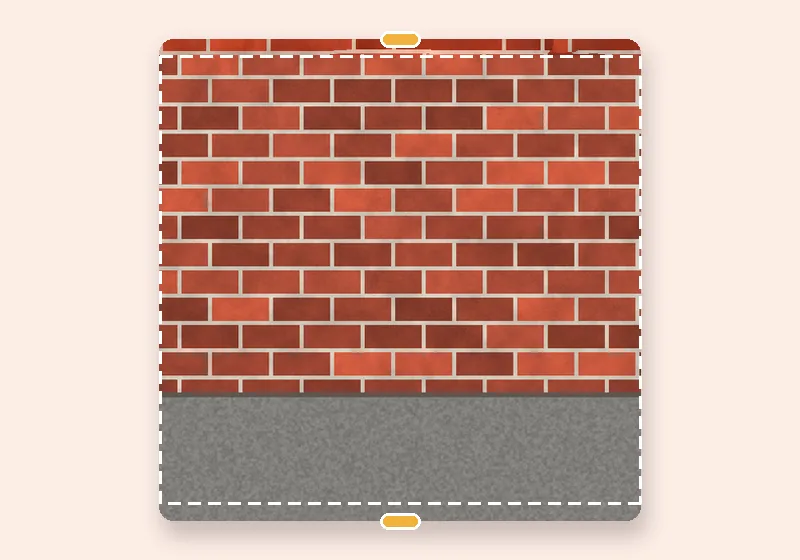
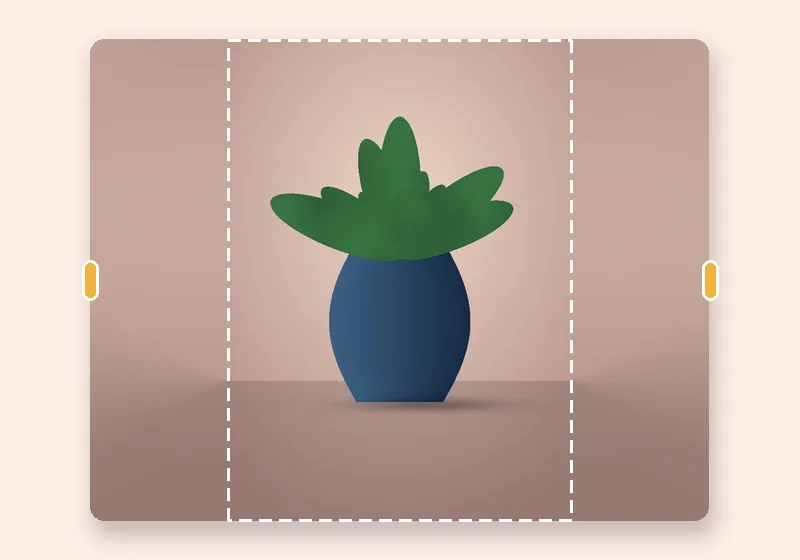
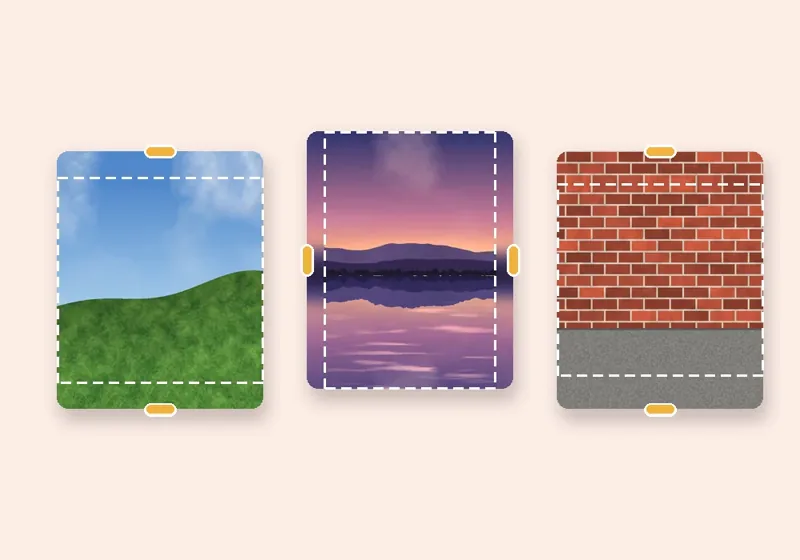
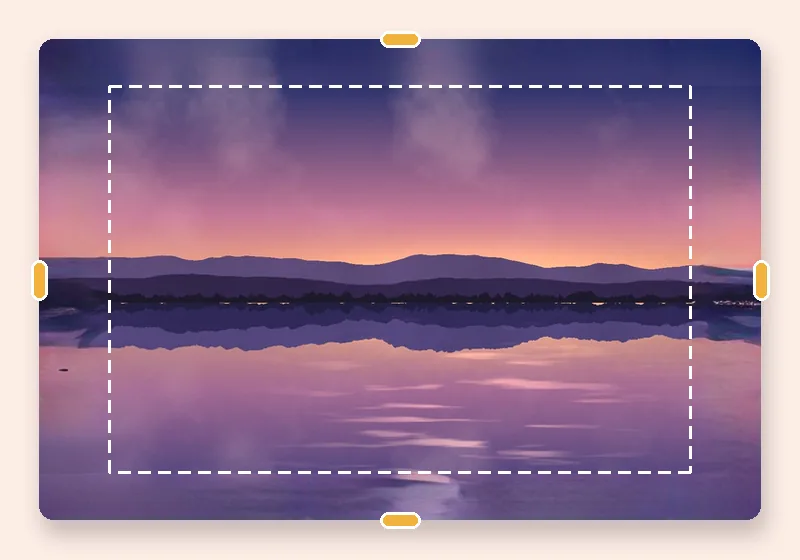
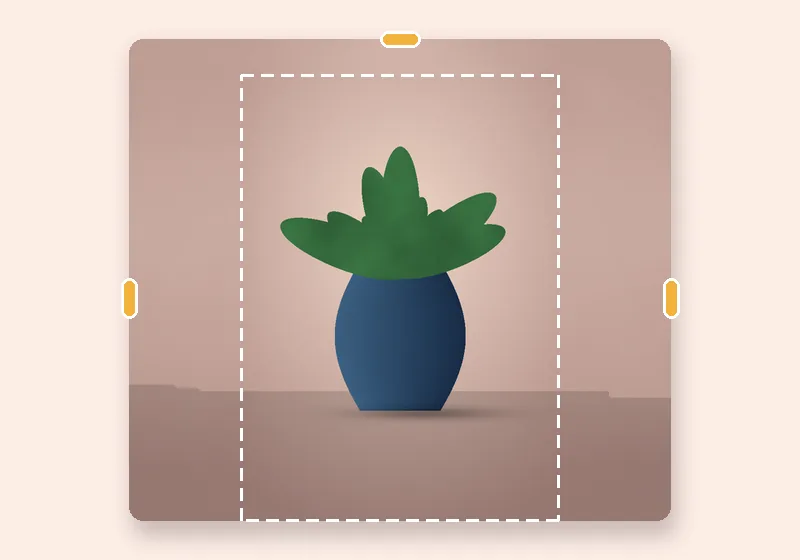
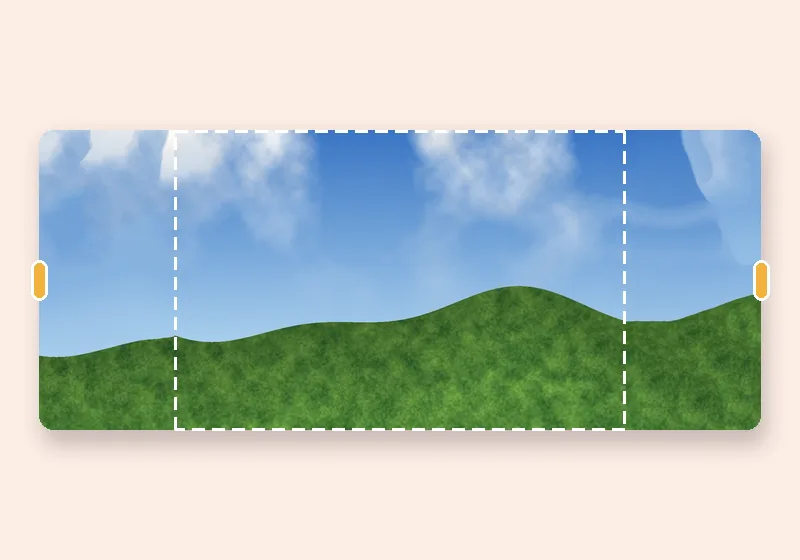
AI image extender: example made with this tool — the dashed frame is the original photo
Dashed line = the original photo

How it works

  1. Open a photo

    Choose, drop or paste a JPG, PNG or WebP. It opens in this tab.

  2. Pull the edges

    Drag any side outward, or pick an exact size. The new space fills in.

  3. Download

    Save as JPG, PNG or WebP at full resolution.

What the AI does, and what it doesn't

AI fill uses MI-GAN, an inpainting network that takes a 512 × 512 square with a hole and paints what belongs there. To extend a photo, the new canvas is covered in overlapping squares, nearest the photo first; each square sees the photo plus everything already generated, so the far edges are built on top of the near ones.

It's good at continuing scenery, rooms, foliage and soft backgrounds. It is not a text-to-image generator: it can't add an object you describe, and it can't reliably finish a face or a person cut off at the edge.

Honest limits

  • The model works on a canvas up to 1024 pixels on its long side, then the result is scaled up. On big prints the AI edges are softer than the photo.
  • It works best when you add up to about half the photo's size. Far beyond that, results get vaguer.
  • The first use downloads 26.6 MB. After that it's stored in your browser.
  • Speed depends on your device: with WebGPU a typical extension takes seconds; on CPU only it can take a minute.
Questions

Is this AI image extender really free?

Yes. There are no credits, no watermark and no account, because the model runs on your own device — there's no server cost to pass on.

Does my photo get sent to an AI server?

No. The model file is downloaded to your browser and run there. The photo never leaves the page.

The AI result looks odd. What can I try?

Press Another version (the model sees a mirrored view and paints differently), add less space, or turn on Keep people out of the new edges so the model doesn't try to continue a person. Smart fill is often better for skies and walls.

What do I need to run it?

A recent Chrome, Edge, Firefox or Safari. WebGPU is used when available, otherwise WebAssembly on the CPU. Phones work but are slower.

Which model is it?

MI-GAN (512 × 512), an open inpainting model from Picsart AI Research, released under the MIT licence, run with ONNX Runtime Web.