Extend a photo

Turn portrait photo into landscape

Tall photo in. Wide photo out.

Keep the whole portrait and grow the sides until it's a landscape — 16:9, 3:2 or 4:3.

Free · No sign-up · Photos stay on your device

or drop a photo anywhere here, or paste one

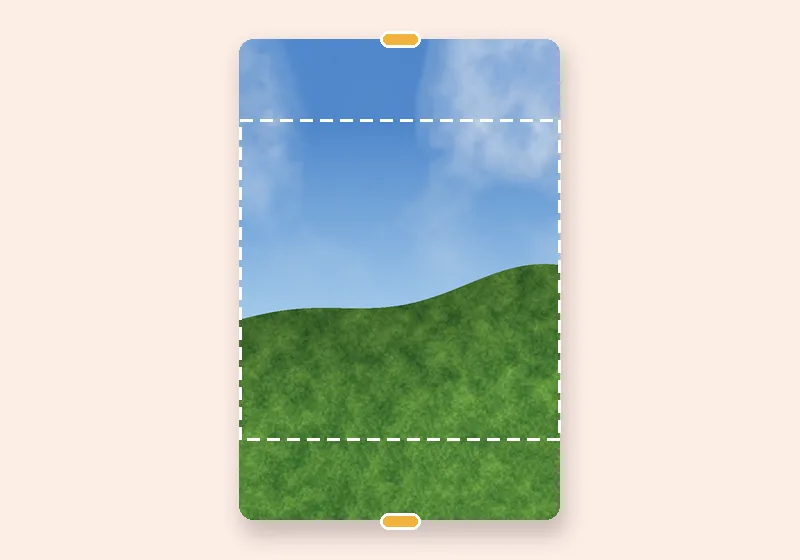
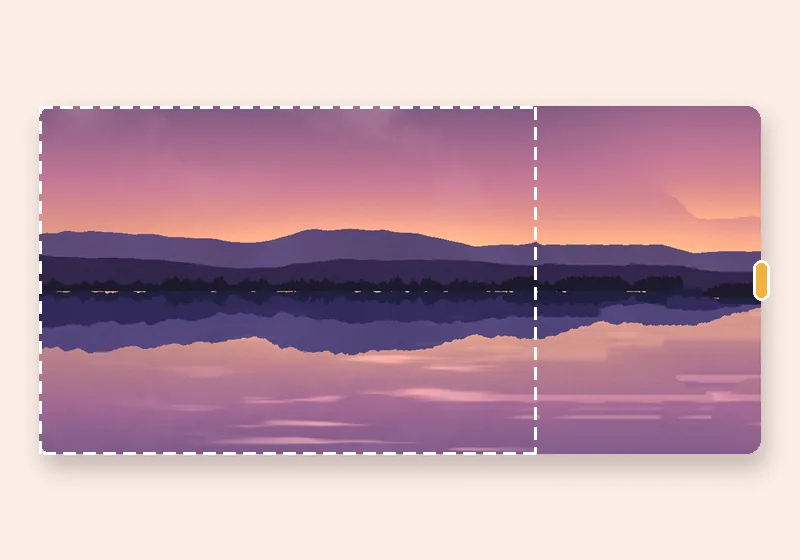
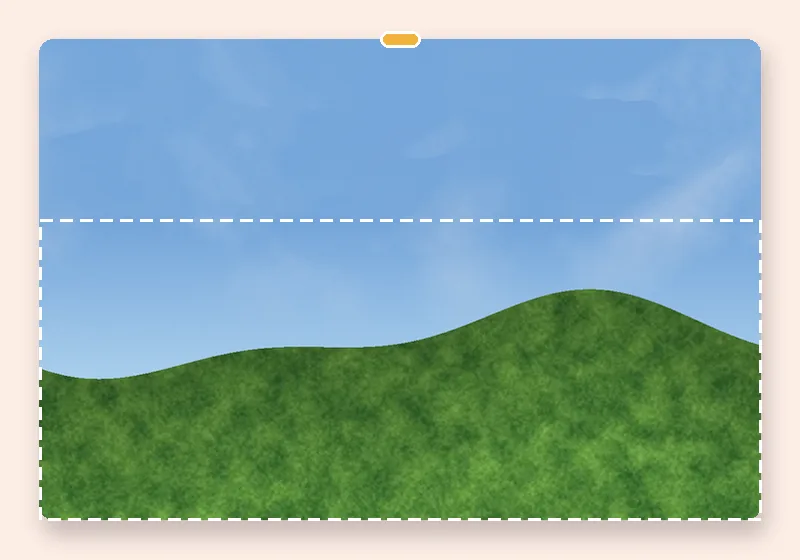
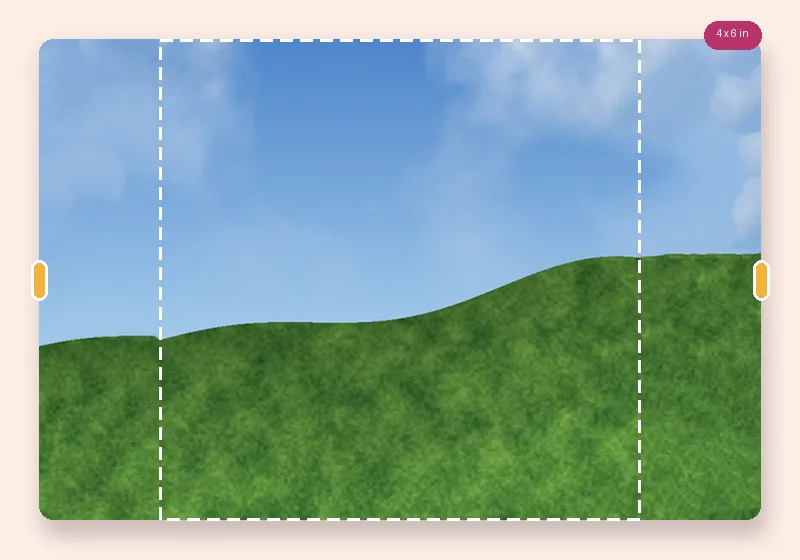
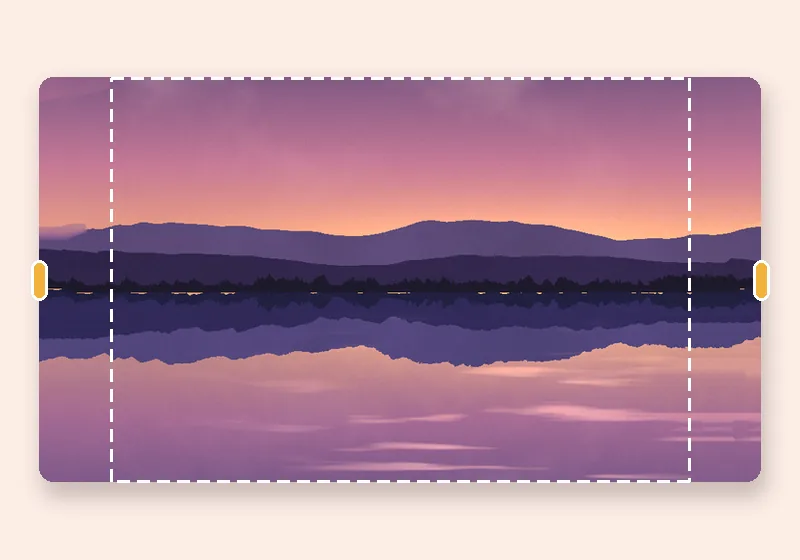
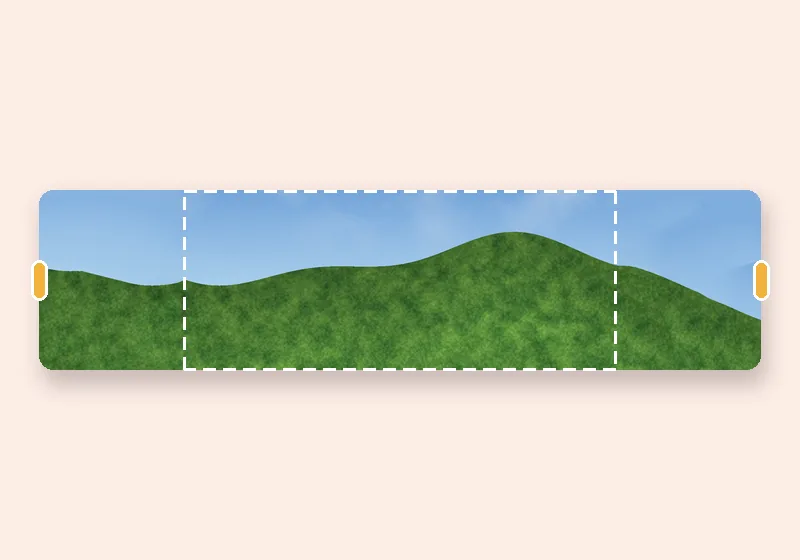
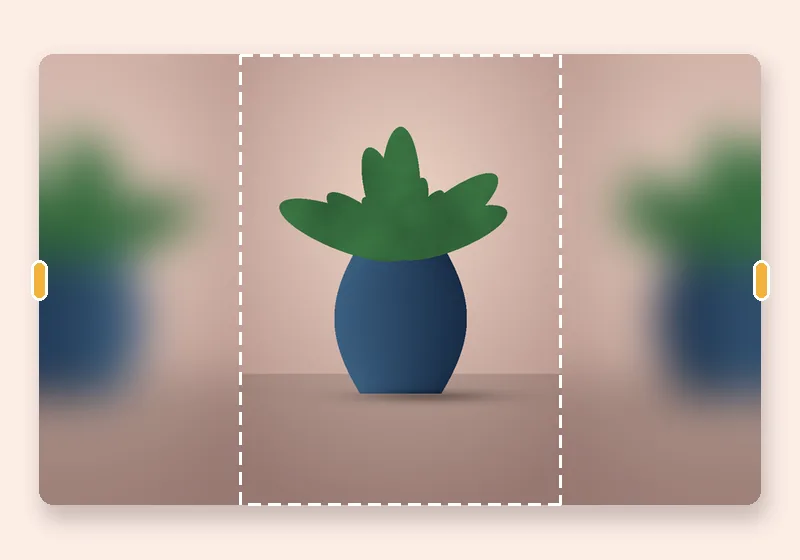
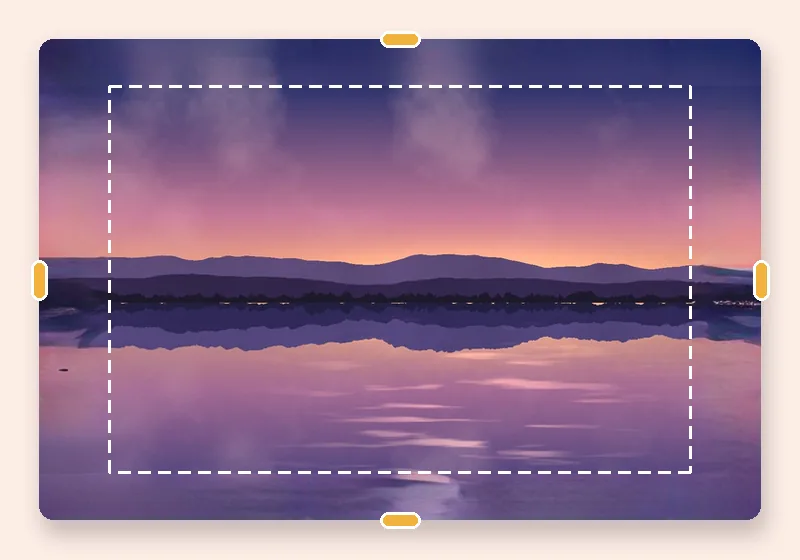
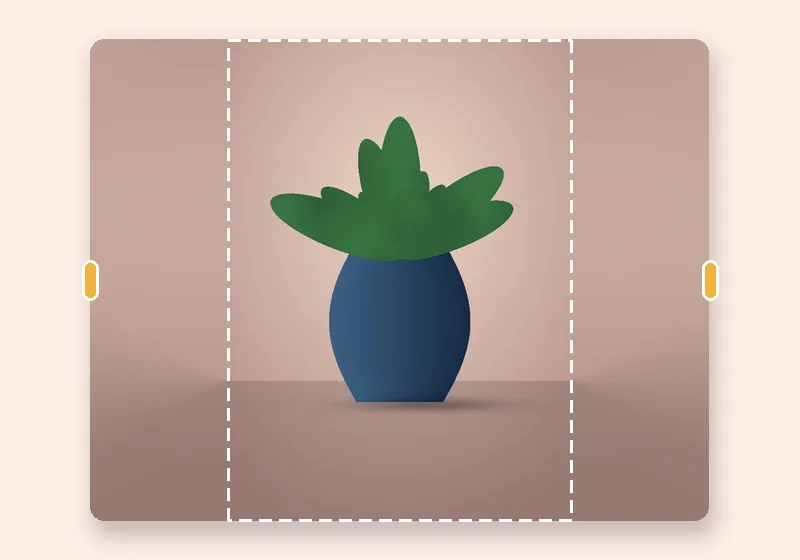
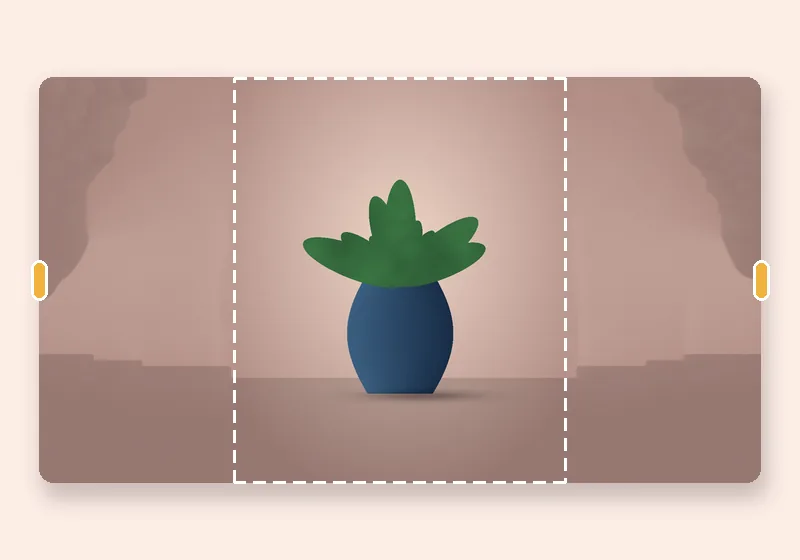
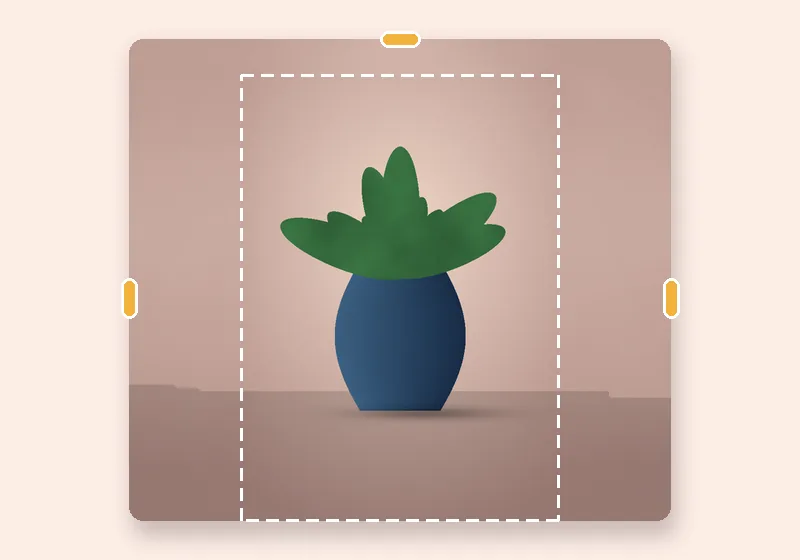
Portrait into landscape: example made with this tool — the dashed frame is the original photo
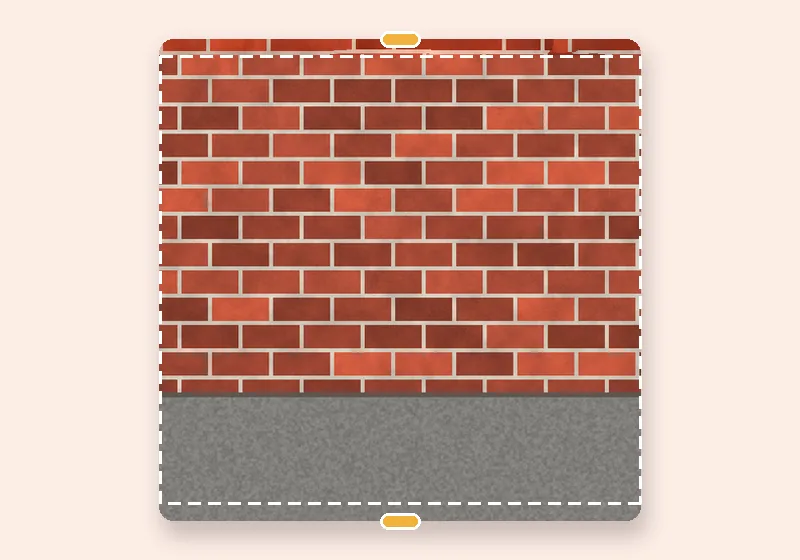
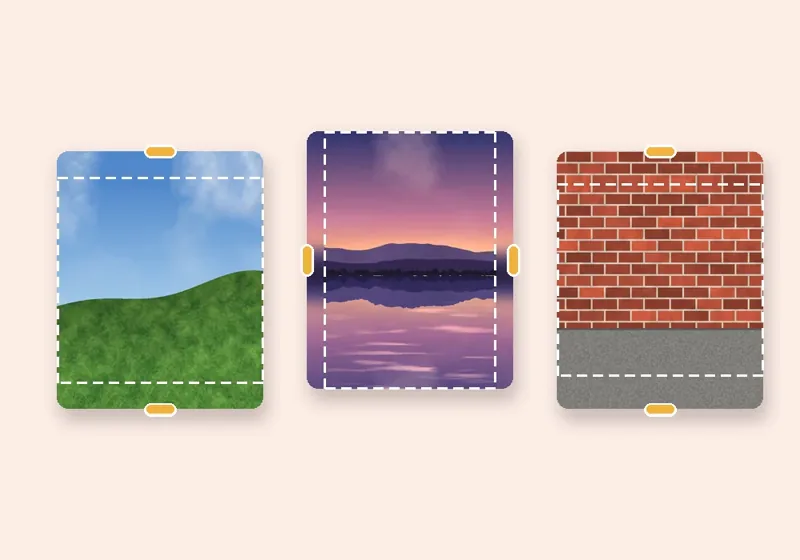
Dashed line = the original photo

How it works

  1. Open a photo

    Choose, drop or paste a JPG, PNG or WebP. It opens in this tab.

  2. Pull the edges

    Drag any side outward, or pick an exact size. The new space fills in.

  3. Download

    Save as JPG, PNG or WebP at full resolution.

No cropping, no squashing

A portrait photo turned into a landscape usually loses its top and bottom — the head or the feet. Here the whole photo stays, at full height, and new picture is added on the left and right until the shape is wide.

Pick a shape (16:9 for screens and video, 3:2 for prints, 4:3 for slides) and the photo is centred. Drag it sideways or use Place the photo → Left third or Right third to leave room for a title.

Big extensions

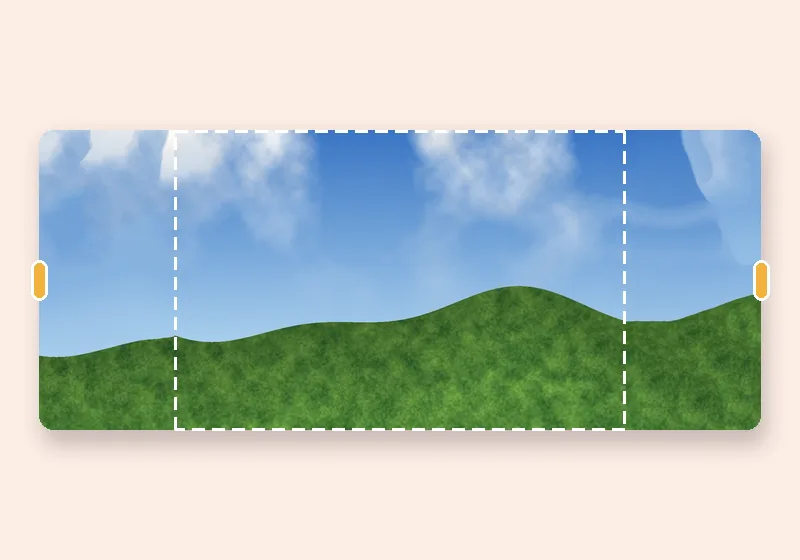
Going from 9:16 to 16:9 more than triples the width, which is a lot of new picture. Soft blur is the safe choice; Smart fill works well on simple backgrounds; AI fill does best when you also turn on Keep people out of the new edges.
Questions

How do I change a portrait photo to landscape without cutting it?

Choose a landscape shape such as 16:9. The photo keeps its height and the sides are filled. Download the result — no part of the original is cropped.

Why does the result look repeated at the far sides?

Smart fill builds the new area from your photo's own patches; when the new area is much bigger than the photo, patterns can repeat. Try Another smart fill, switch to Soft blur, or choose a less wide shape such as 4:3.

Is this the same as rotating?

No. Rotating turns the picture on its side. This keeps it upright and makes the canvas wider.

Is my photo uploaded anywhere?

No. The photo is opened, extended and saved by this browser tab. The only optional downloads are the AI models, which are plain files coming to you — nothing about your photo goes out.