Extend a photo

Stretch image without distortion

Stretch the edges, not the face.

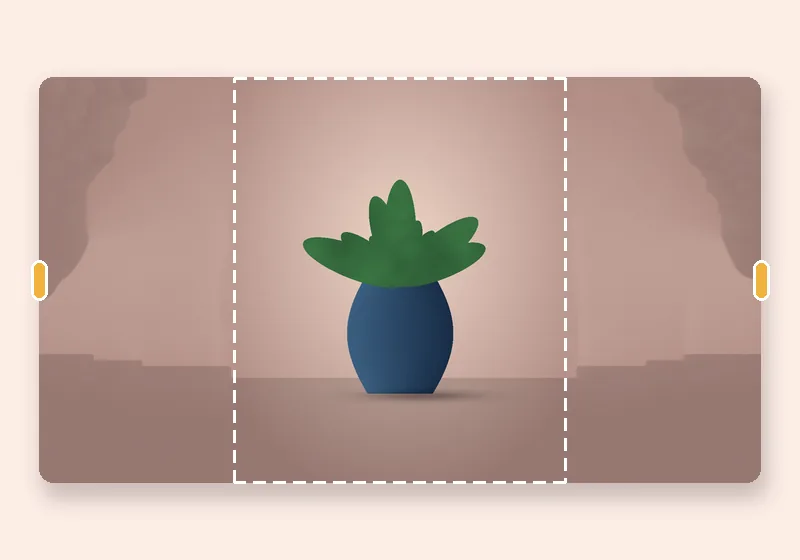
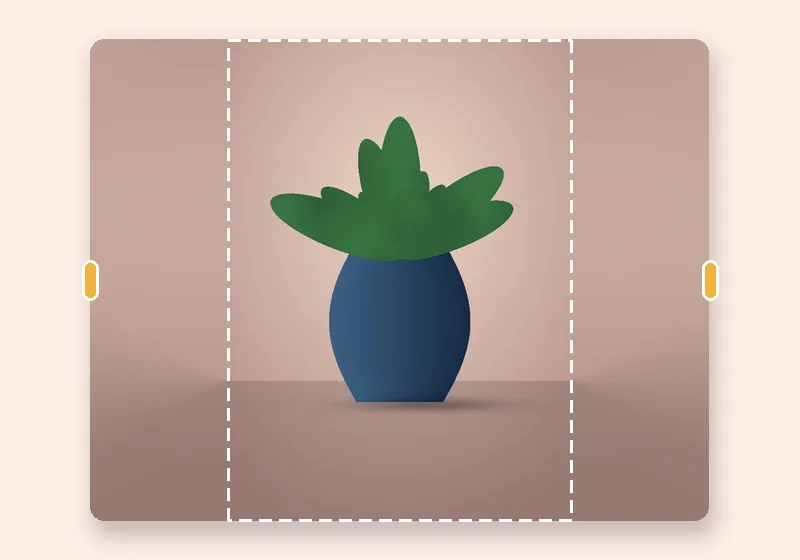
The middle of your photo stays exactly as it is; only new space at the sides is stretched out.

Free · No sign-up · Photos stay on your device

or drop a photo anywhere here, or paste one

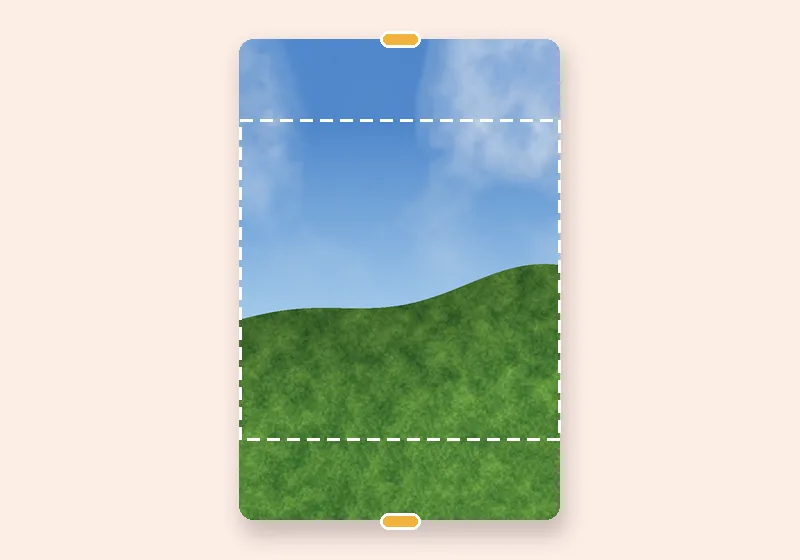
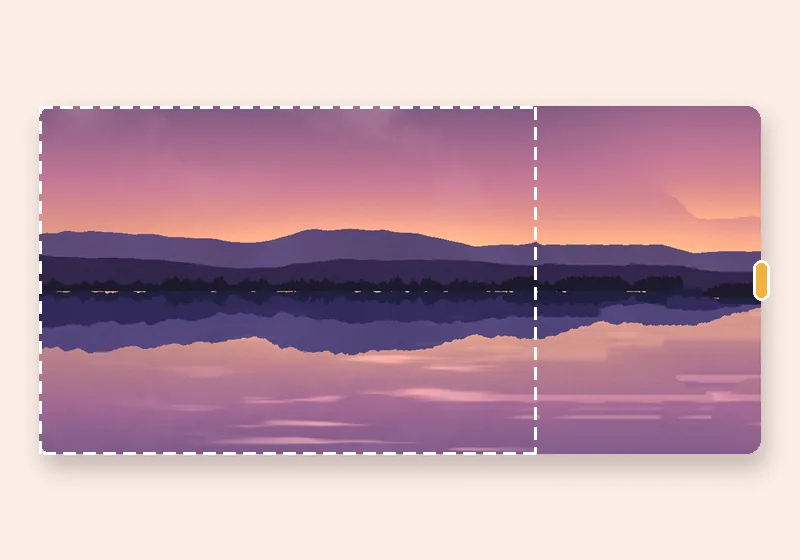
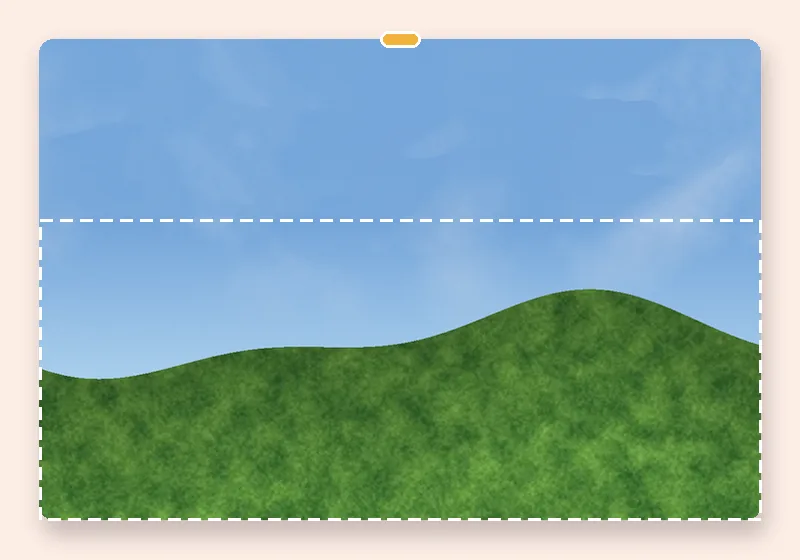
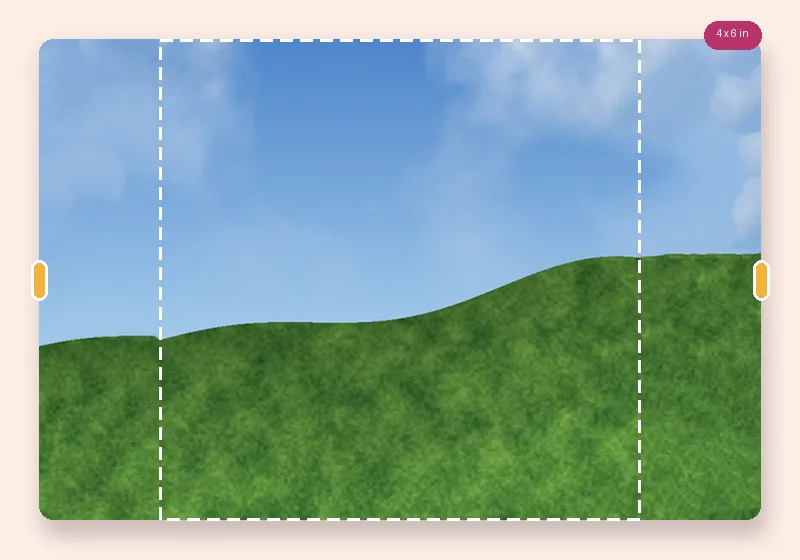
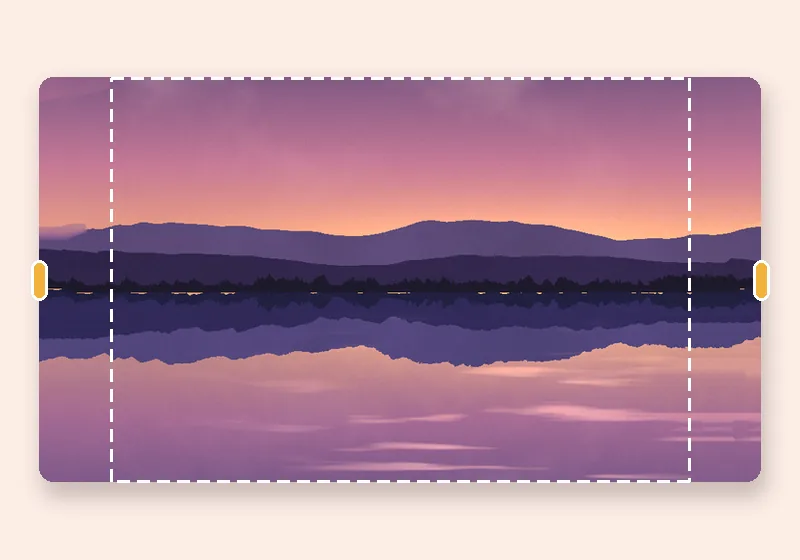
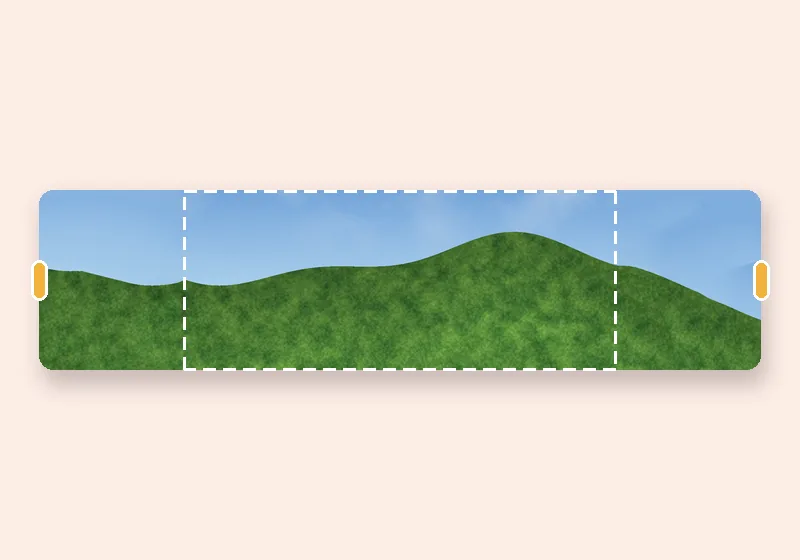
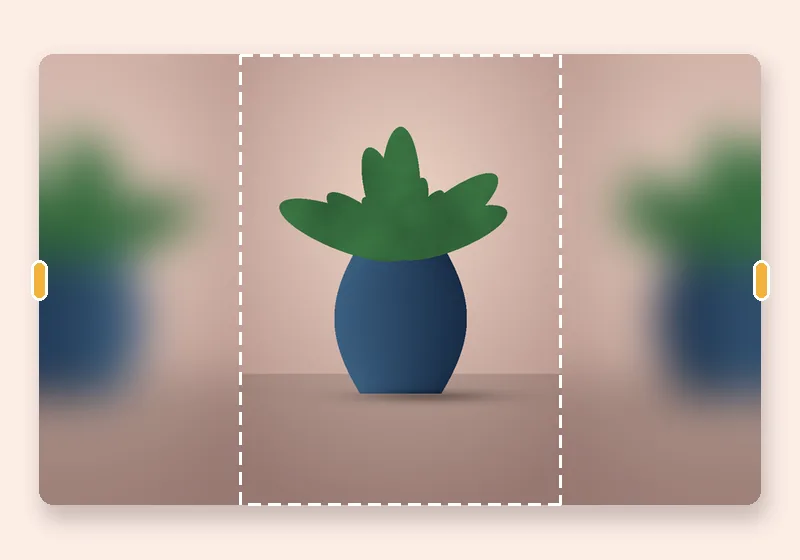
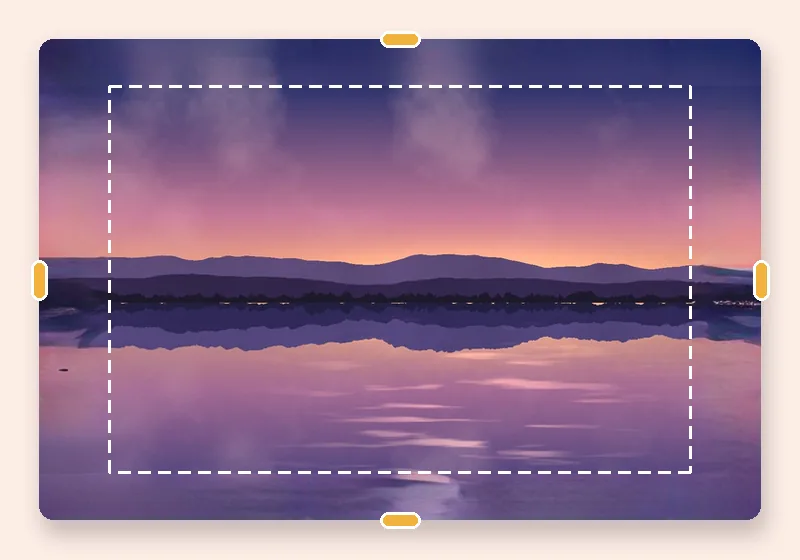
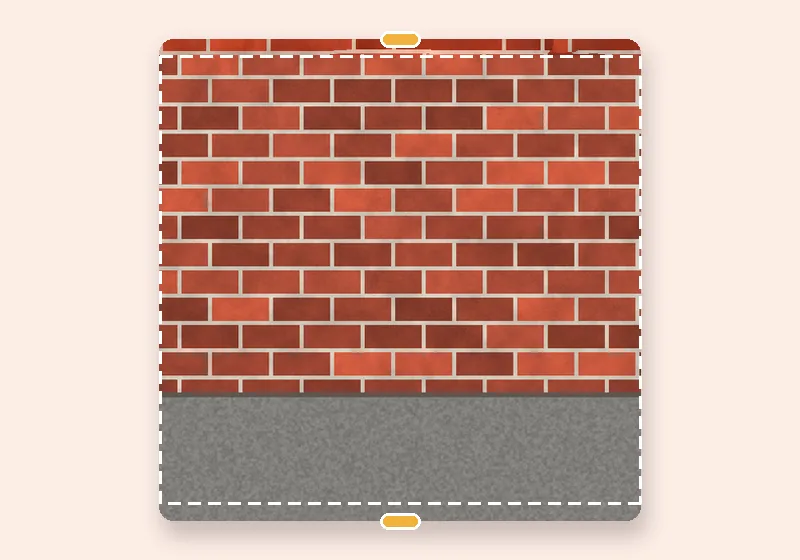
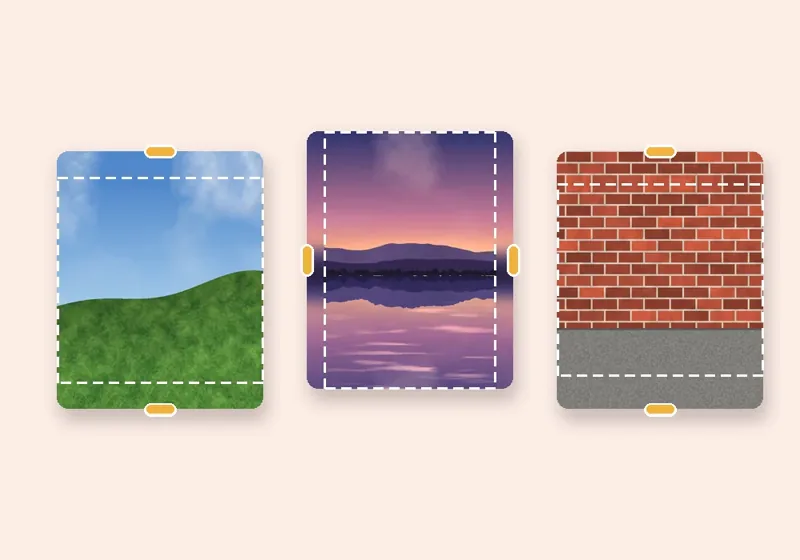
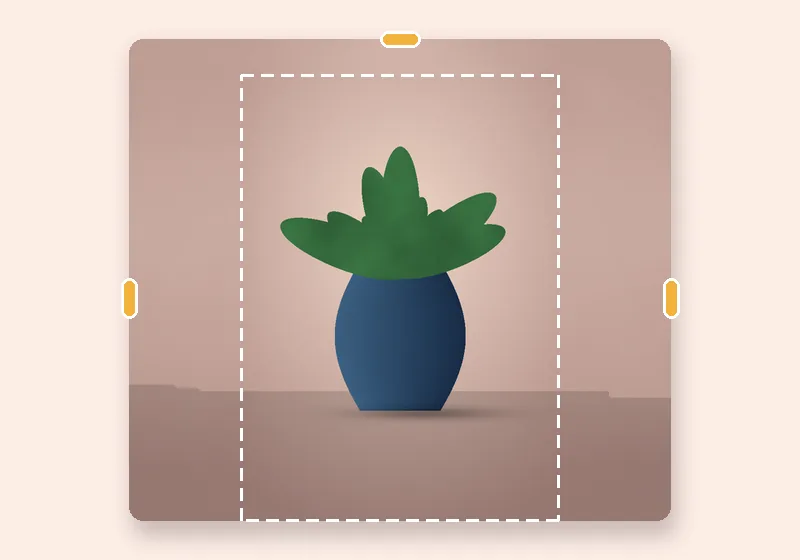
Stretch without distortion: example made with this tool — the dashed frame is the original photo
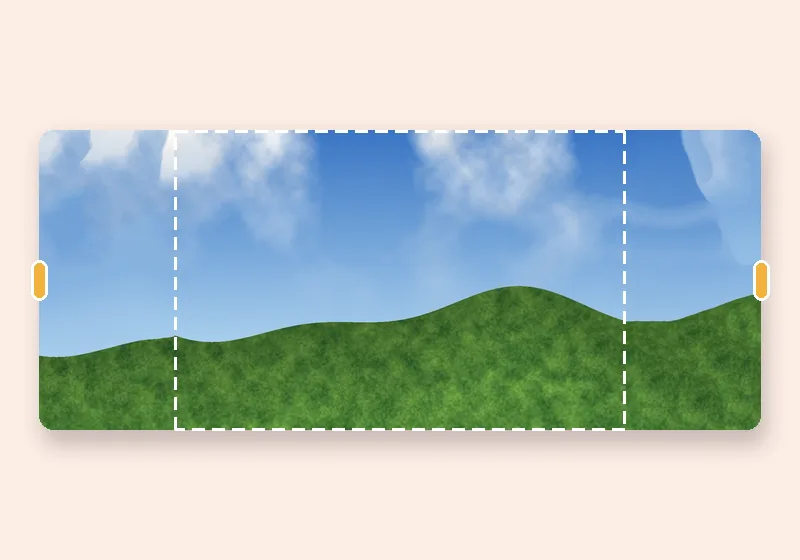
Dashed line = the original photo

How it works

  1. Open a photo

    Choose, drop or paste a JPG, PNG or WebP. It opens in this tab.

  2. Pull the edges

    Drag any side outward, or pick an exact size. The new space fills in.

  3. Download

    Save as JPG, PNG or WebP at full resolution.

Why normal stretching distorts

Stretching a whole image to a new shape scales everything by the same factor in one direction — people get wider, text gets fat, circles turn into ovals. That's fine for abstract backgrounds and terrible for anything recognisable.

Edge stretch works differently: the photo keeps its exact pixels and only the outermost row or column is pulled outward into the new space, blurring a little more the further it goes so it reads as an out-of-focus continuation rather than hard streaks.

When to switch fills

Stretch is perfect for plain studio backdrops, gradients and skies. For textured scenes (grass, brick, water) choose Smart fill; for patterns choose Mirror.
Questions

How do I stretch an image without distorting the subject?

Open it here and pull the sides out. Only the new strips are stretched; the original photo isn't scaled at all.

I actually want the whole picture stretched. Can I?

That's a resize, not an extension, and it will distort. This site only adds space; use any image resizer with the aspect ratio unlocked for that.

Why do I see streaks?

A strong detail on the very edge — a pole, a stripe — gets pulled outward. Use Soft blur or Smart fill for that side, or set a different fill for each side.

Is my photo uploaded anywhere?

No. The photo is opened, extended and saved by this browser tab. The only optional downloads are the AI models, which are plain files coming to you — nothing about your photo goes out.