Extend a photo

Extend photo for print

Print the whole photo. Nothing cut off.

Fit your photo to 4×6, 5×7, 8×10, A4 and more at 300 DPI — the gaps are filled, not cropped.

Free · No sign-up · Photos stay on your device

or drop a photo anywhere here, or paste one

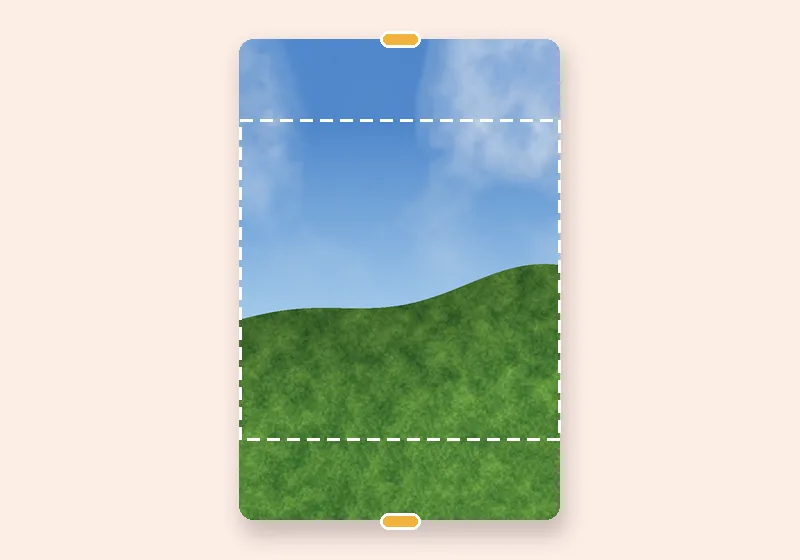
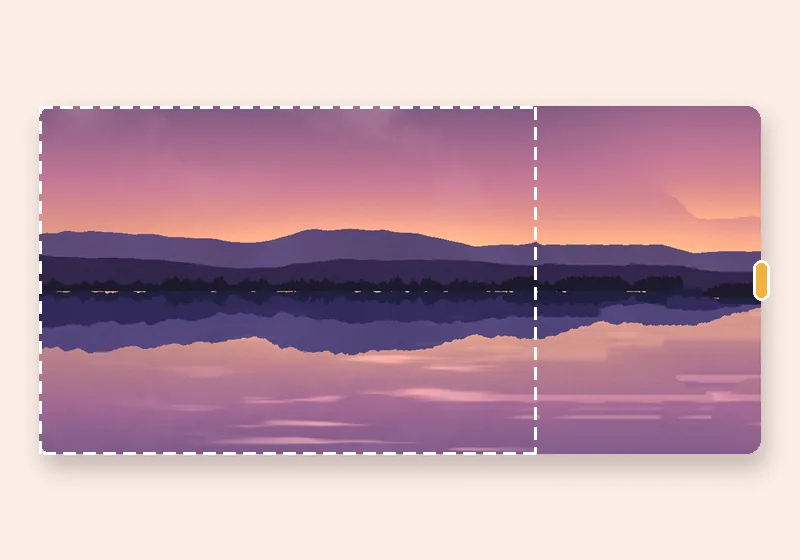
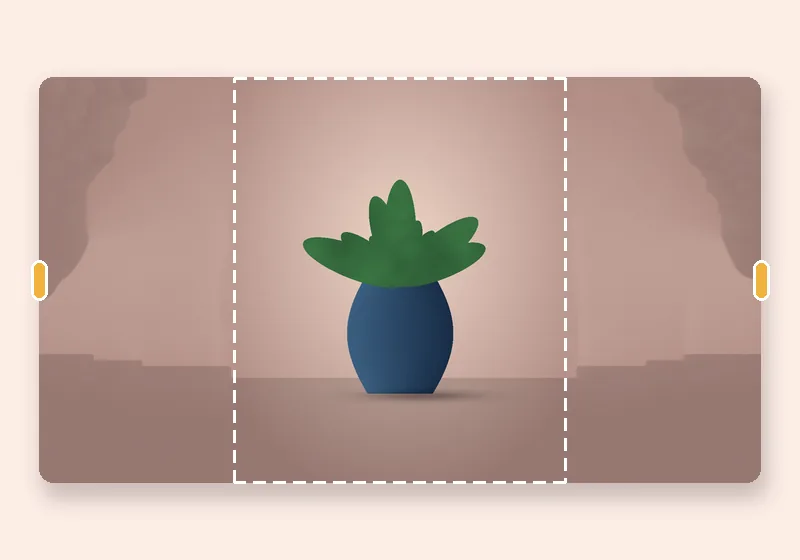
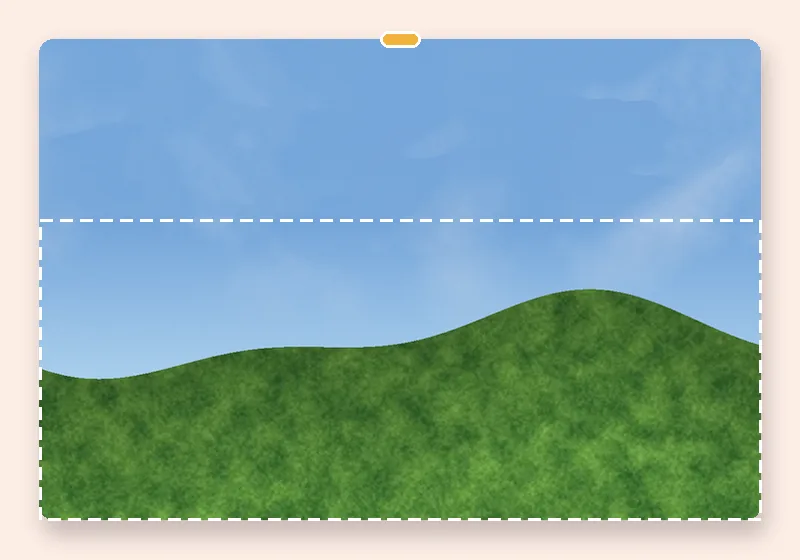
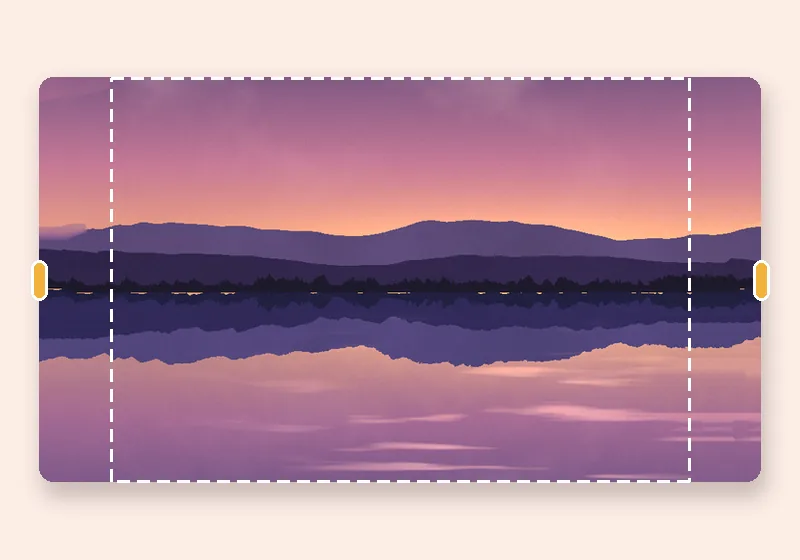
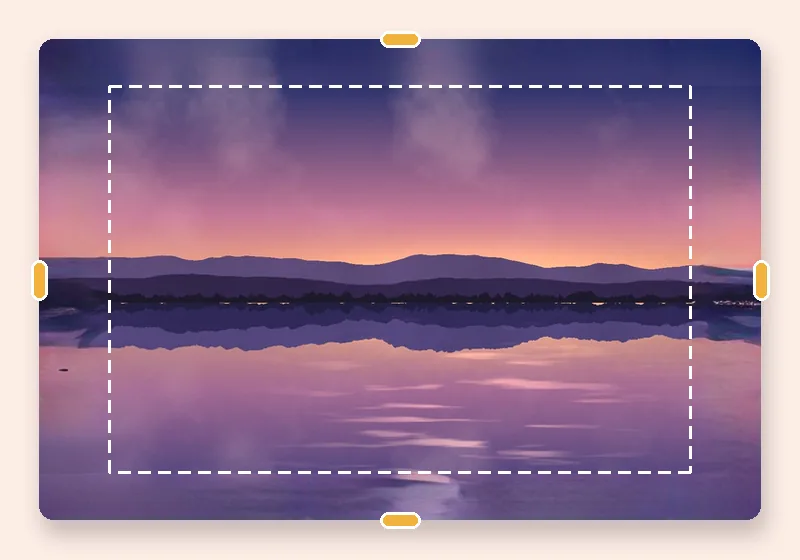
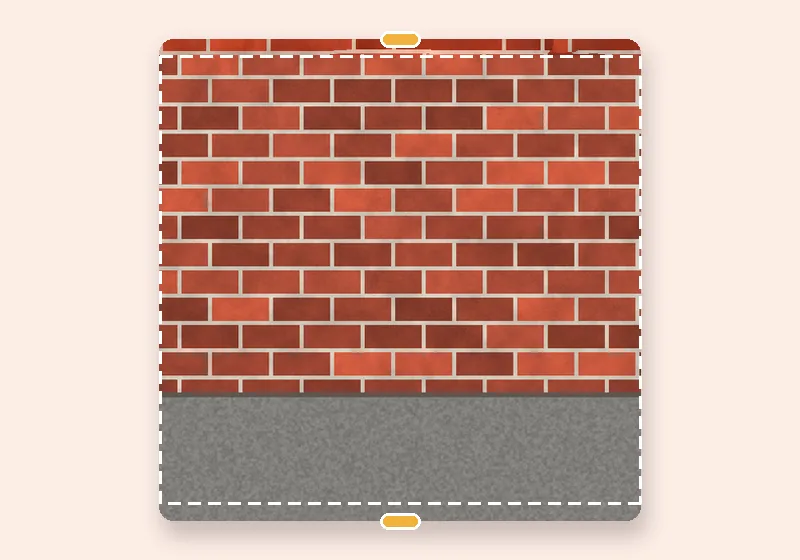
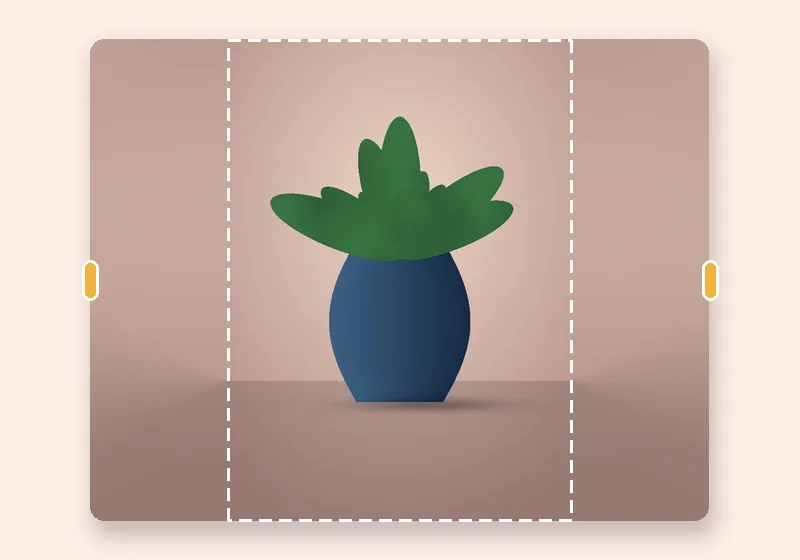
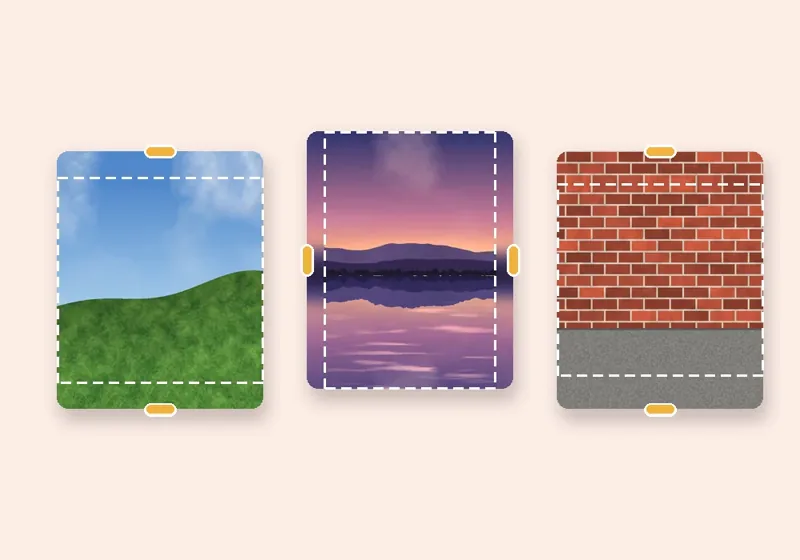
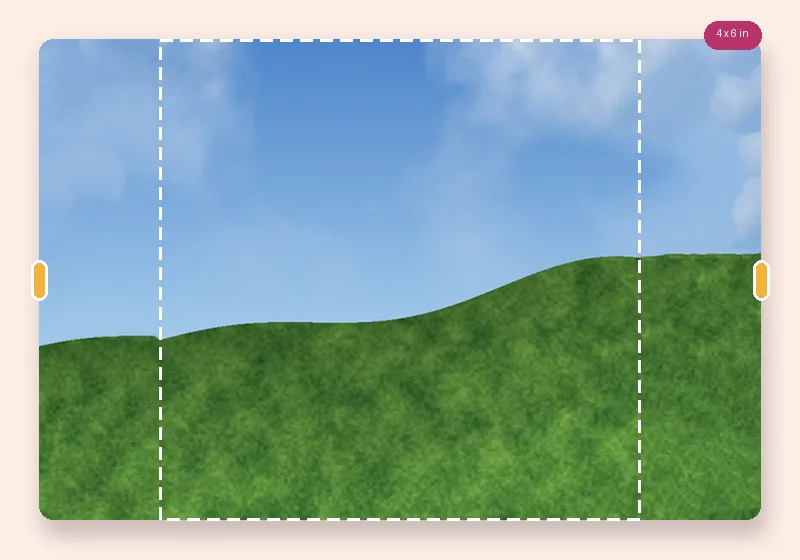
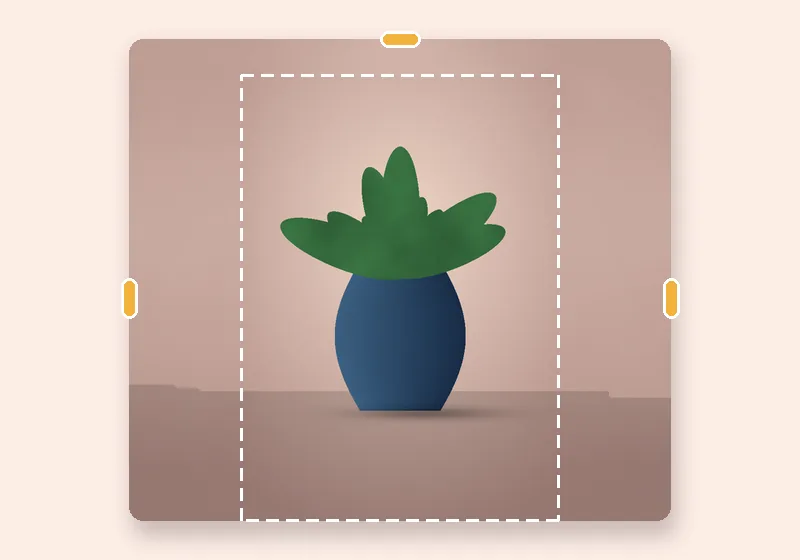
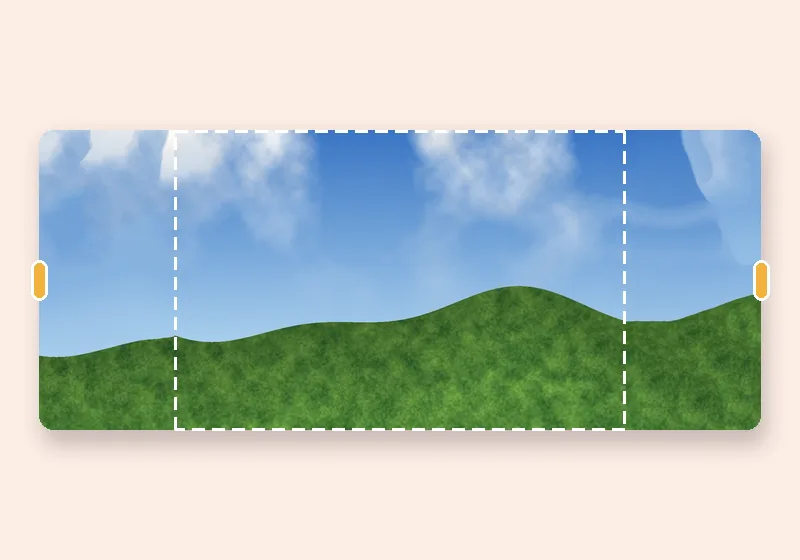
Extend for print: example made with this tool — the dashed frame is the original photo
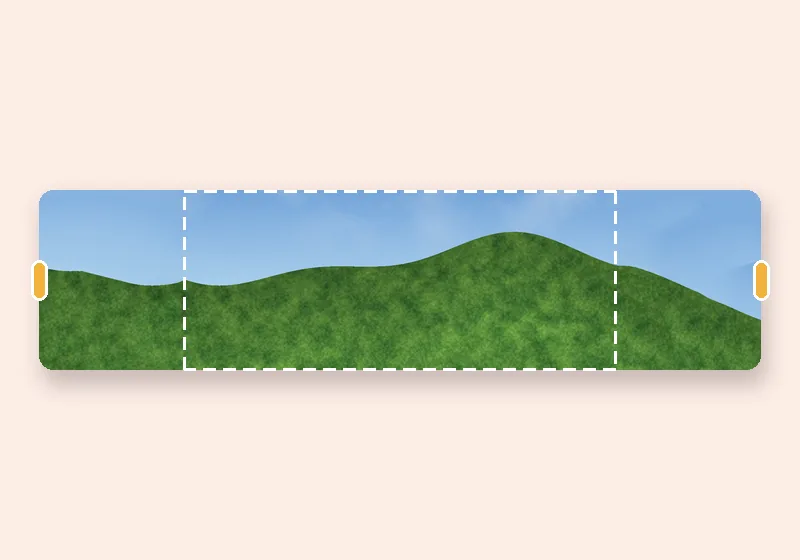
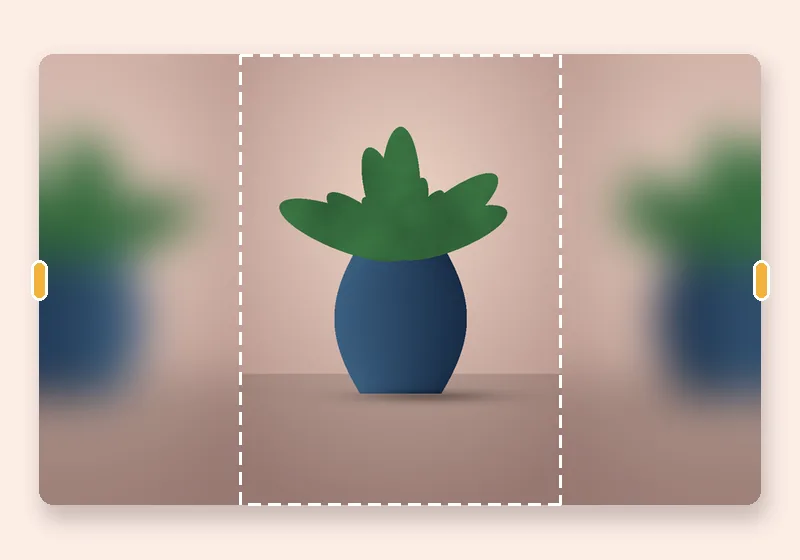
Dashed line = the original photo

How it works

  1. Open a photo

    Choose, drop or paste a JPG, PNG or WebP. It opens in this tab.

  2. Pull the edges

    Drag any side outward, or pick an exact size. The new space fills in.

  3. Download

    Save as JPG, PNG or WebP at full resolution.

Why print shops crop your photos

A phone photo is 4:3; a 4×6 print is 3:2; A4 is 1:1.41. When the shapes don't match, the lab trims the long side — often a forehead or a pair of feet. Extending the short side instead keeps the whole picture.

Choose a print size. The canvas is made at 300 pixels per inch (a 4×6 is 1800 × 1200 pixels), the photo is fitted inside and turned to match its own orientation, and the remaining strips are filled. JPG and PNG files are saved with 300 DPI recorded, so print software reads the right physical size.

White border instead?

Choose Colour → Pick → white for a classic border, or set Photo size in the frame below 100% to get an even margin all round.
Questions

How do I print a phone photo as 4×6 without cropping?

Choose Exact size → Print → 4 × 6 in. The photo is fitted inside 1800 × 1200 pixels and the short sides are filled. Download as JPG and send that file to the lab.

What DPI is the file?

300 DPI for every print size. The value is written into the JPG (JFIF header) or PNG (pHYs chunk), so most print software shows the correct size in inches or centimetres.

My photo is small — will it be blurry at 300 DPI?

If your photo has fewer pixels than the print size, it is enlarged to fit, which softens it. Turn off Enlarge small photos to keep it at its own pixel size with more border around it.

Can I use A4 or A5 for documents?

Yes — A4 is 3508 × 2480 pixels and A5 2480 × 1748 at 300 DPI, both turnable to portrait.