Extend a photo

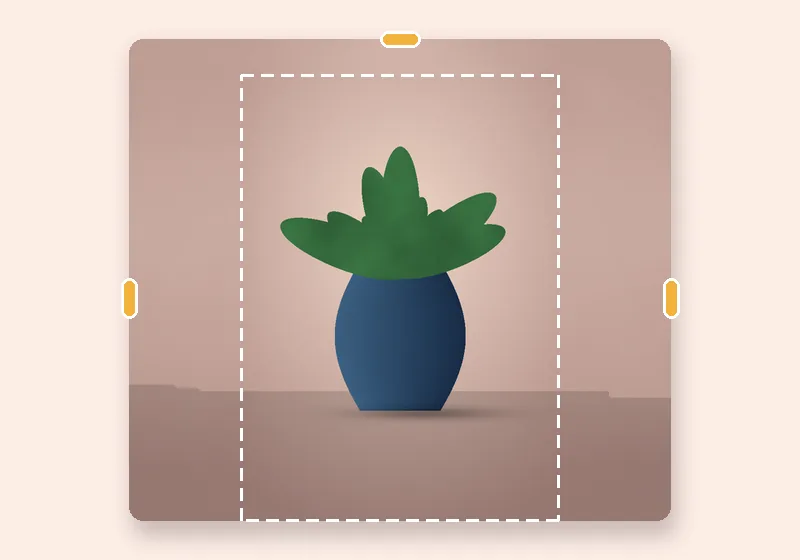
Make photo taller

Taller photo, ready for stories.

Add room above and below — headroom for text, floor under feet, or a full-screen 9:16.

Free · No sign-up · Photos stay on your device

or drop a photo anywhere here, or paste one

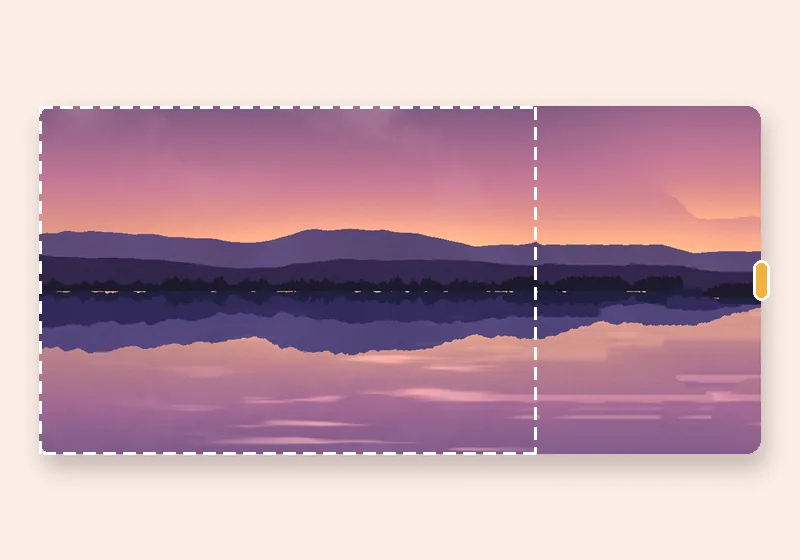
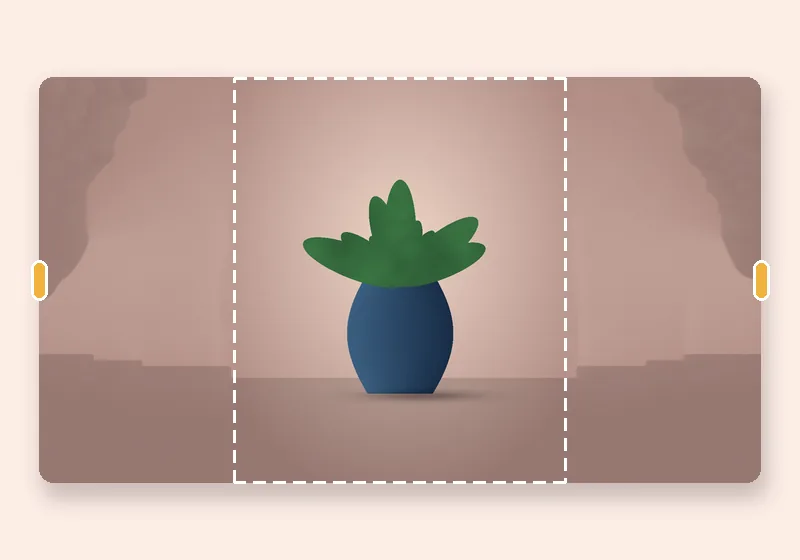
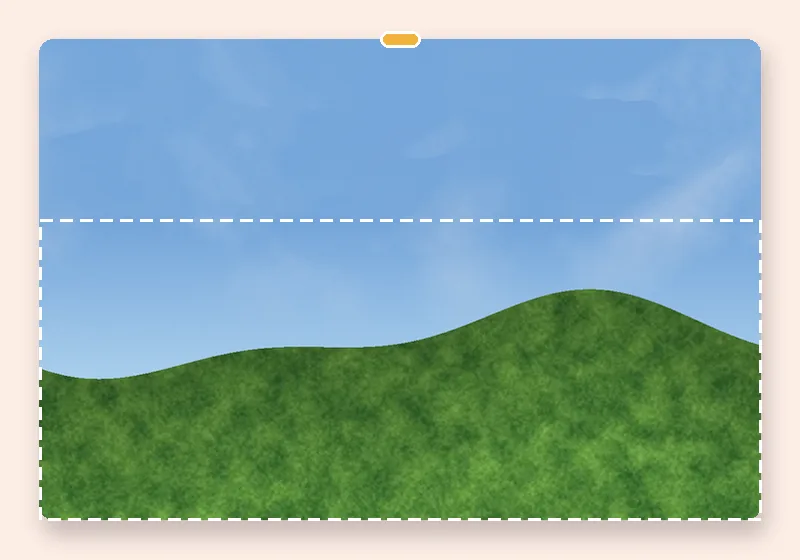
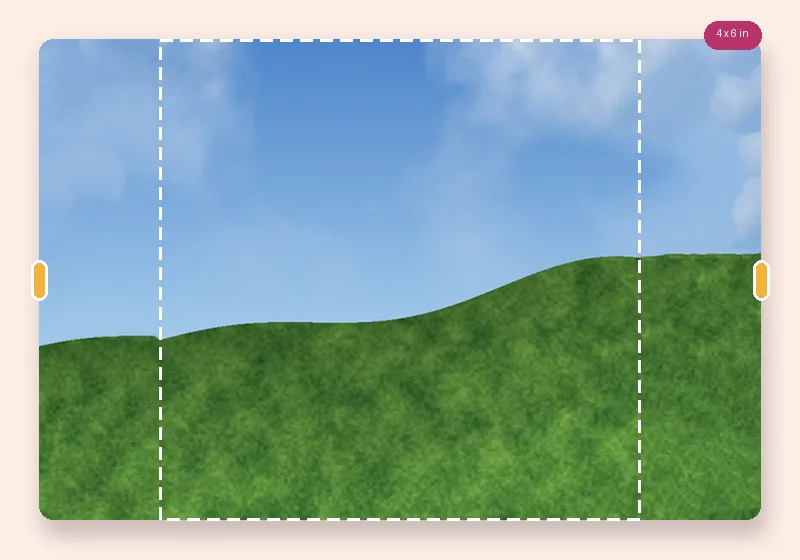
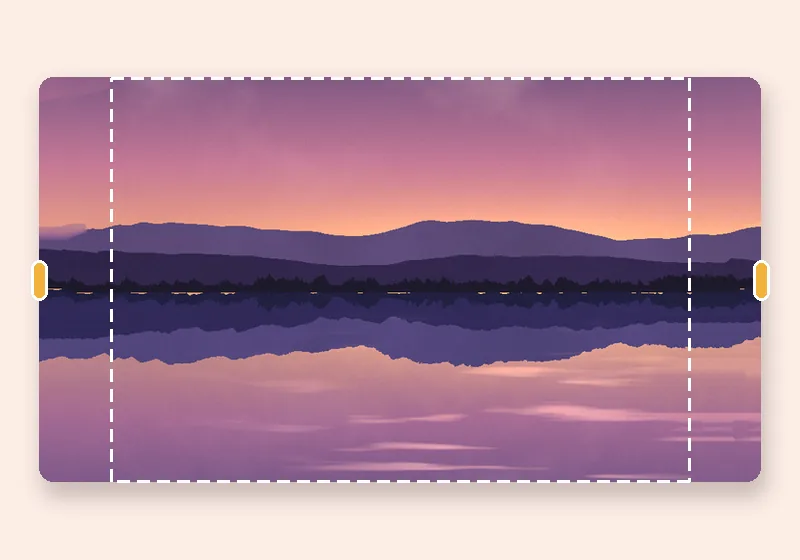
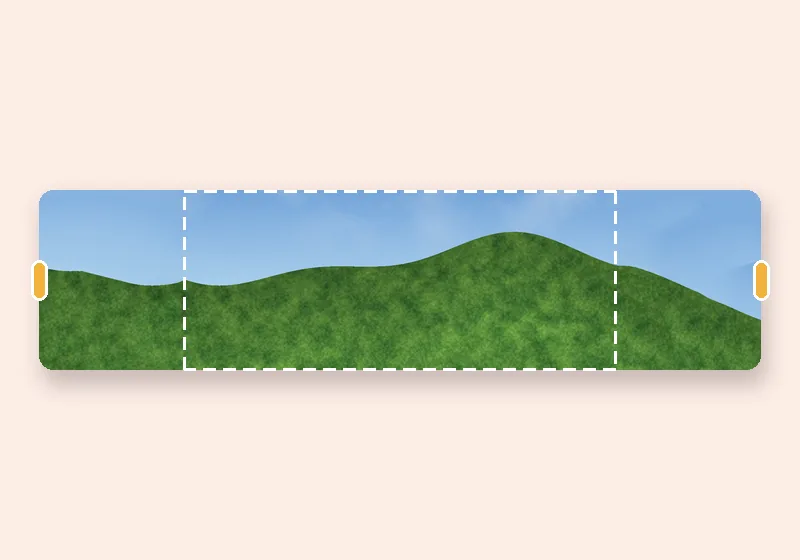
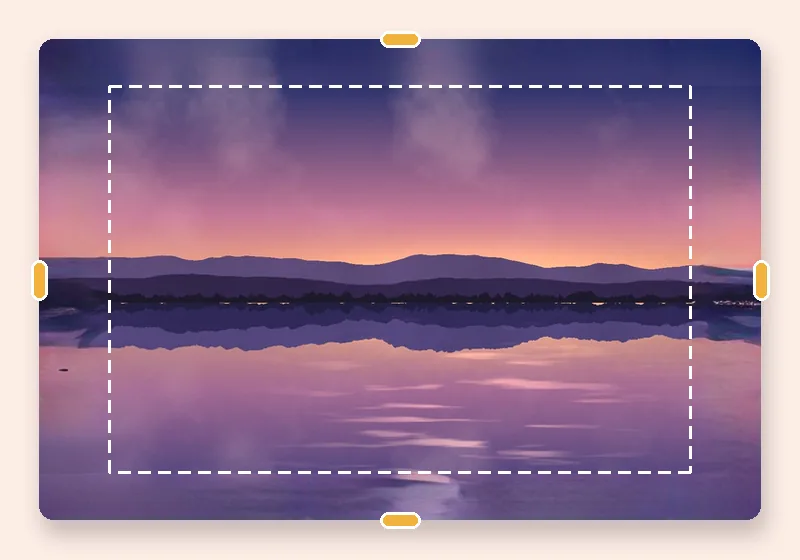
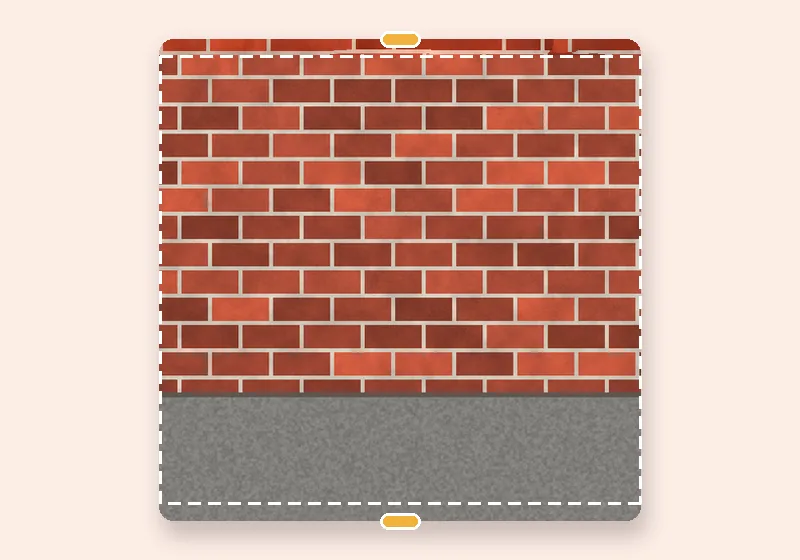
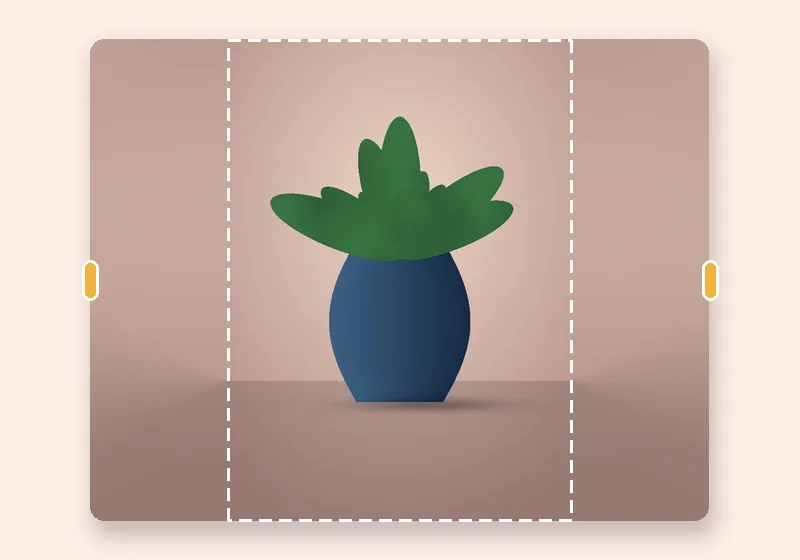
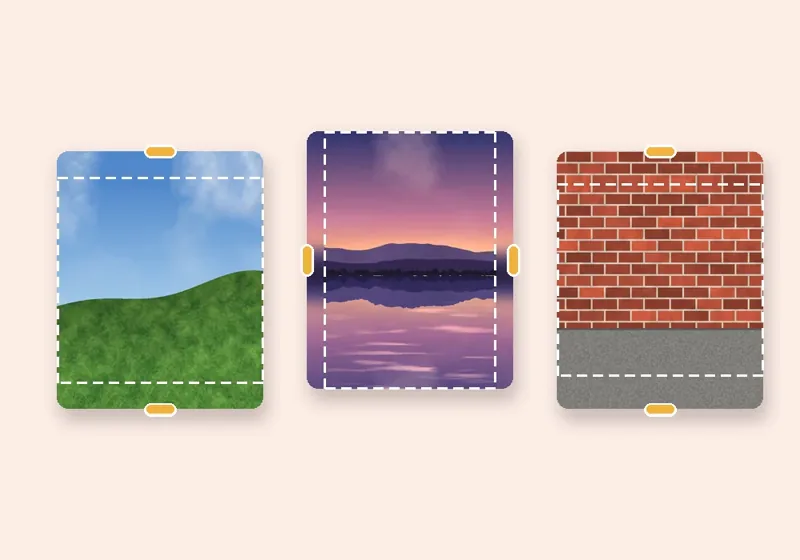
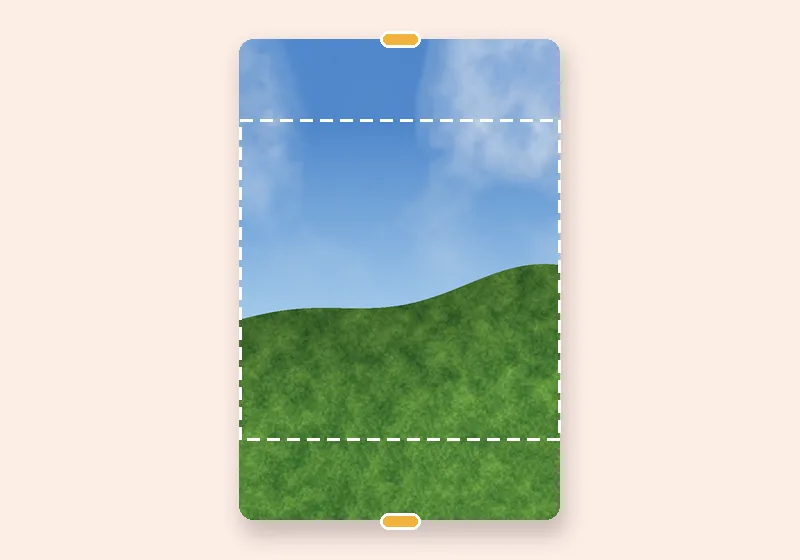
Make photo taller: example made with this tool — the dashed frame is the original photo
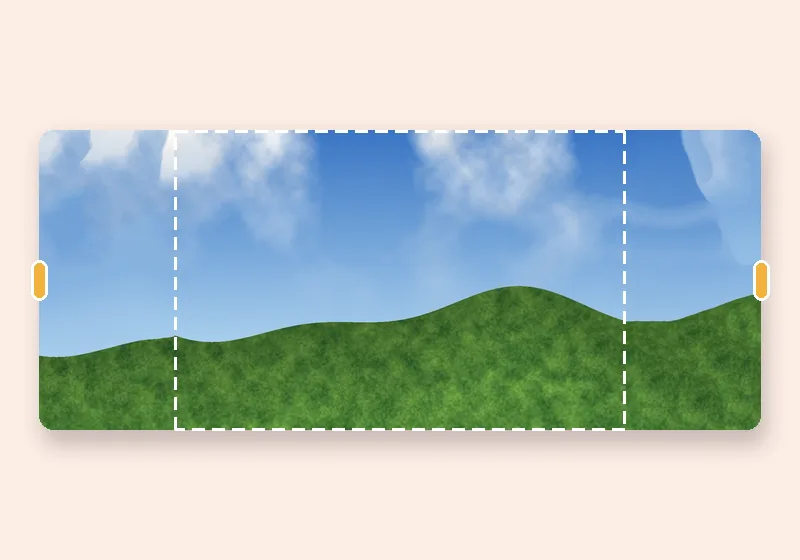
Dashed line = the original photo

How it works

  1. Open a photo

    Choose, drop or paste a JPG, PNG or WebP. It opens in this tab.

  2. Pull the edges

    Drag any side outward, or pick an exact size. The new space fills in.

  3. Download

    Save as JPG, PNG or WebP at full resolution.

Room above, room below

Stories, reels, status updates and portrait posts want tall pictures; phones and cameras often give you wide ones. Instead of cutting the sides off, add height: sky above, floor or water below.

Pull the top or bottom handle. For a fixed shape choose Exact size → Social posts → Story / Reel / Status (1080 × 1920) or Instagram portrait (1080 × 1350).

Tips

Leave the top as clean sky or wall if you plan to add text there. For a person standing on a floor, grow the bottom a little more than the top so the feet don't sit on the edge.
Questions

How do I fit a landscape photo into a 9:16 story?

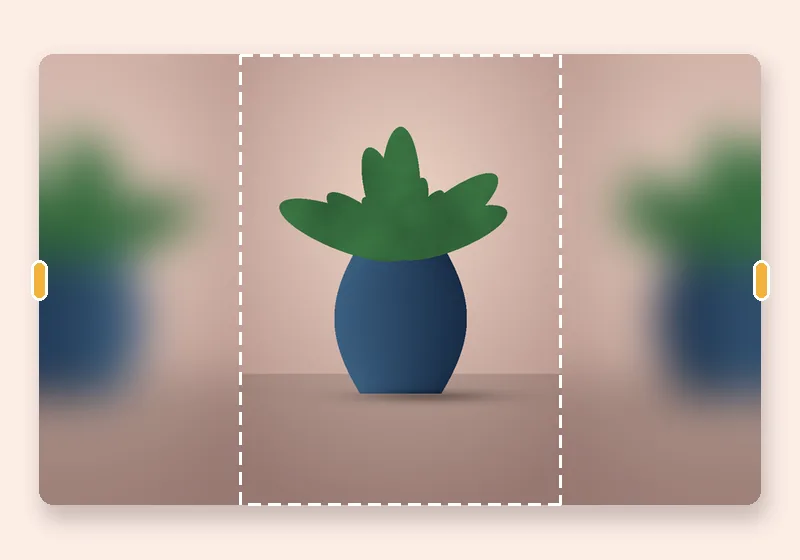
Choose Exact size → Social posts → Story / Reel / Status. The photo is fitted to the full width and the space above and below is filled. Soft blur gives the familiar repost look; Smart fill continues the actual scene.

Can I add space only at the top?

Yes. Set the linked-edges option to Each edge and drag only the top handle, or type a value in the Top box.

How does Smart fill know what to put in the new space?

It copies small patches of your own photo. For every bit of new edge it searches the photo for the patch that fits best with what is already there, then blends those patches together, working from a rough version of the picture down to full detail. Skies, walls, grass, sand, water and studio backdrops come out convincingly; faces, text and unique objects are not invented.

Is my photo uploaded anywhere?

No. The photo is opened, extended and saved by this browser tab. The only optional downloads are the AI models, which are plain files coming to you — nothing about your photo goes out.