Questions
What wallpaper size should I choose?
Match your screen's resolution: most laptops and monitors are 1920 × 1080; many newer laptops are 16:10; 27-inch monitors are often 2560 × 1440; 4K screens are 3840 × 2160. If unsure, choose the larger size — systems scale down cleanly.
Will a small photo look blurry at 4K?
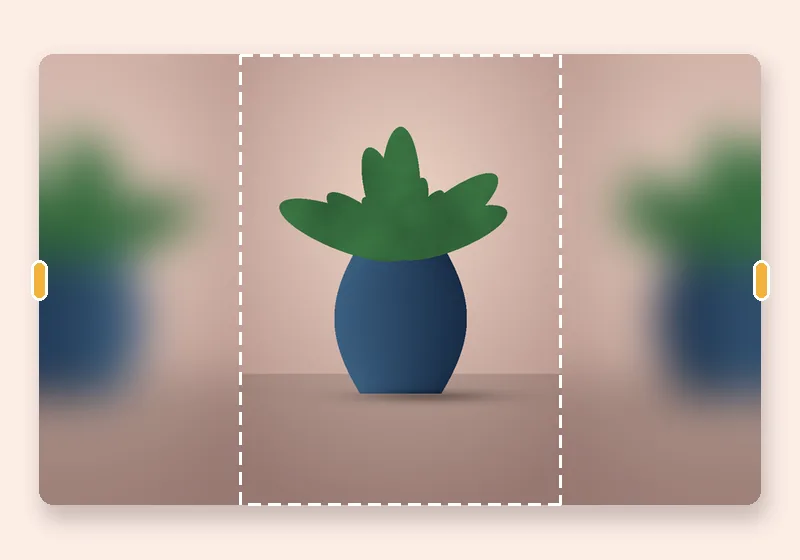
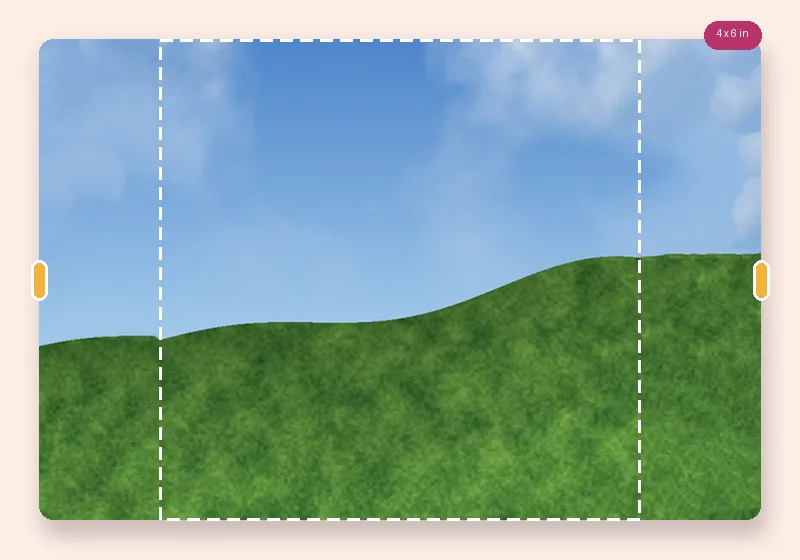
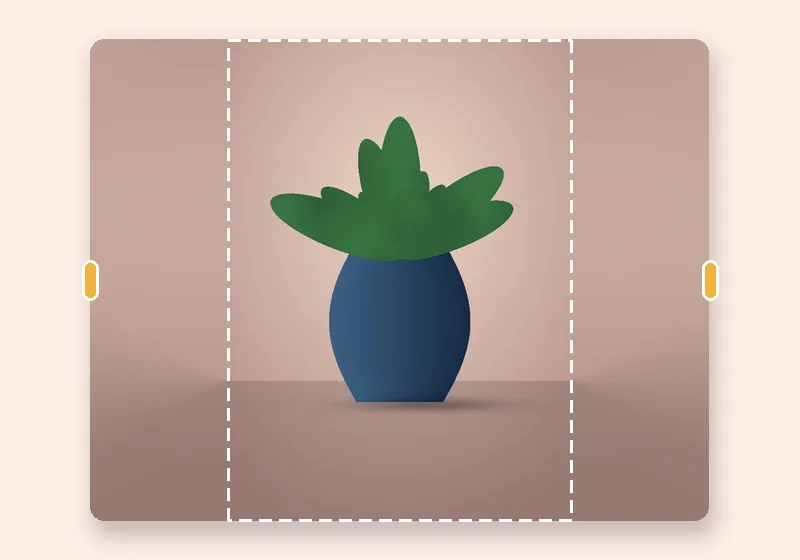
It's enlarged to fit, so a small photo softens. Lower Photo size in the frame to keep it sharper and let more of the screen be extended background.
How does Smart fill know what to put in the new space?
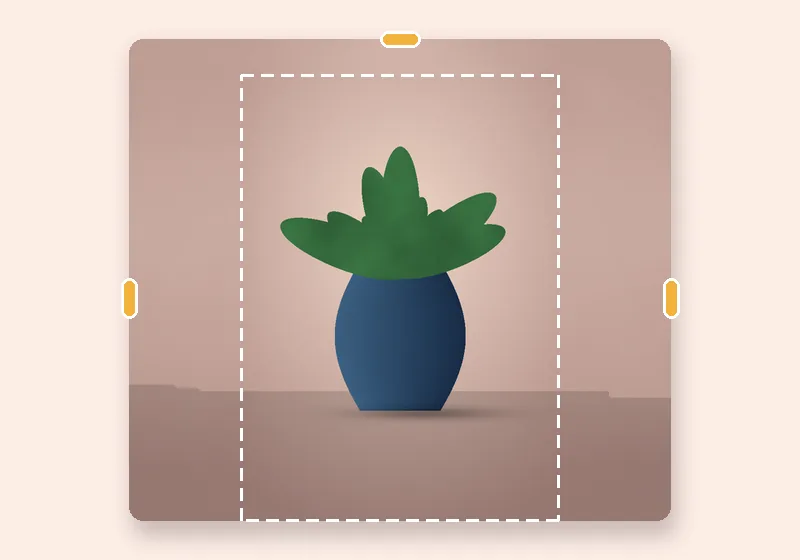
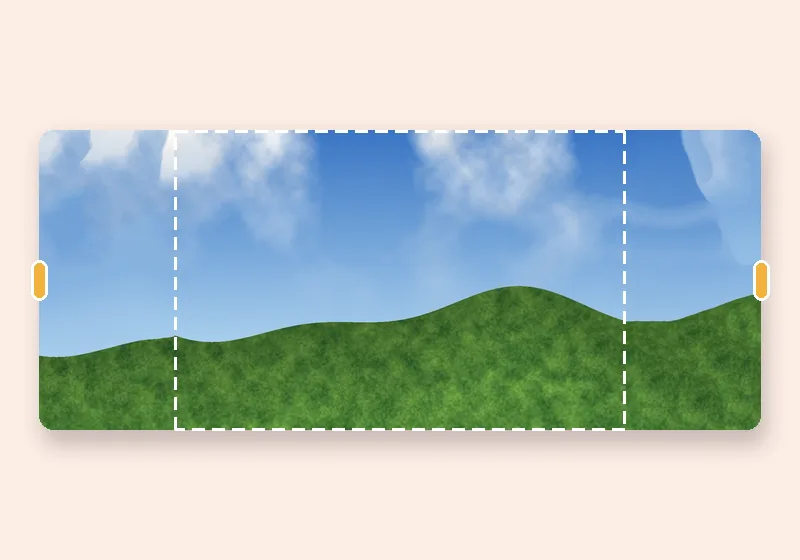
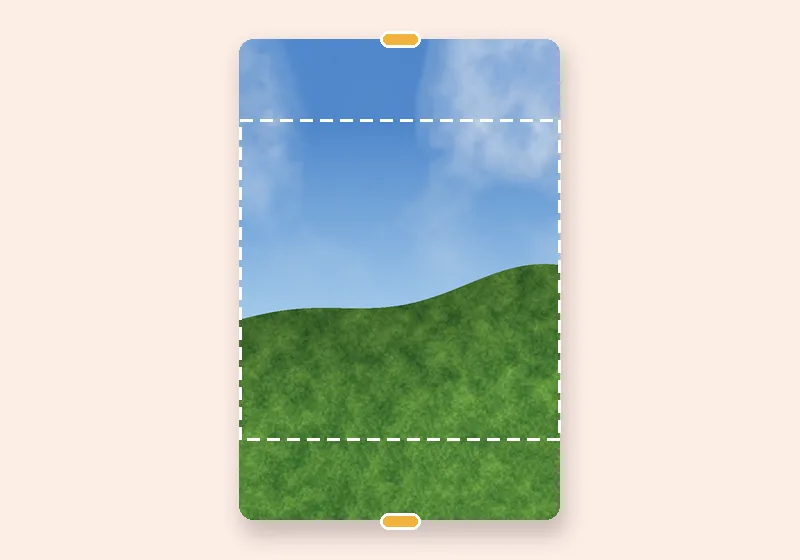
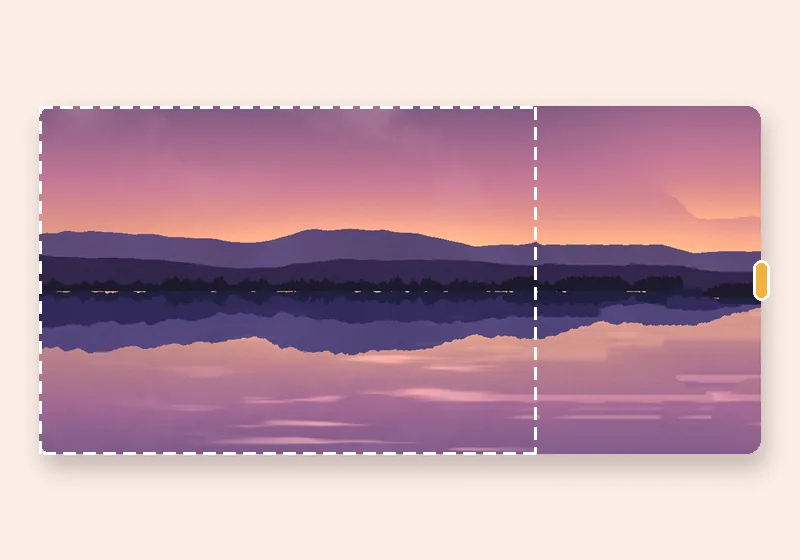
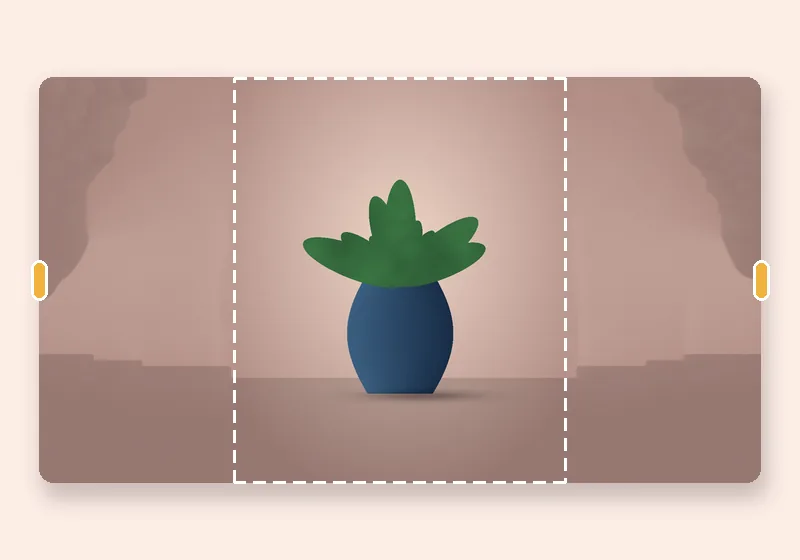
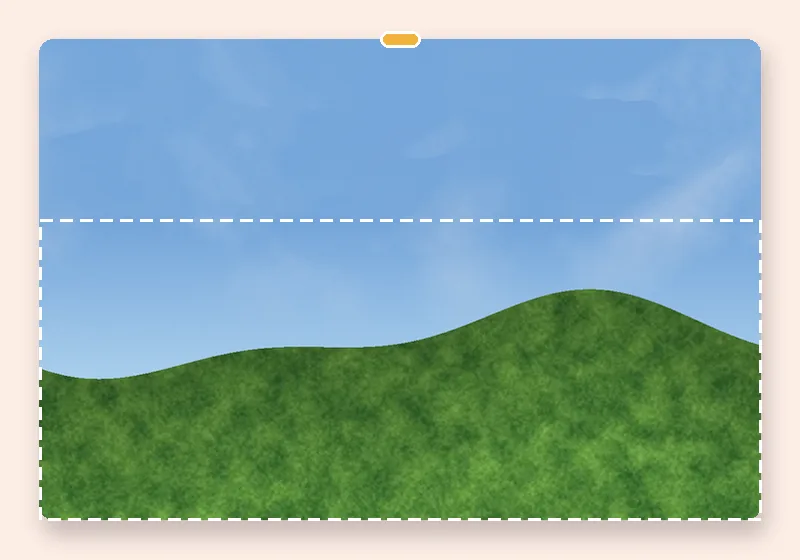
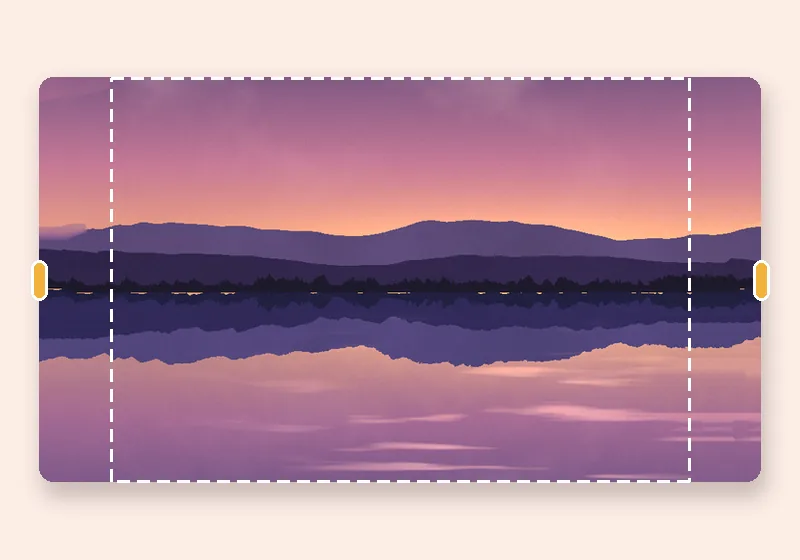
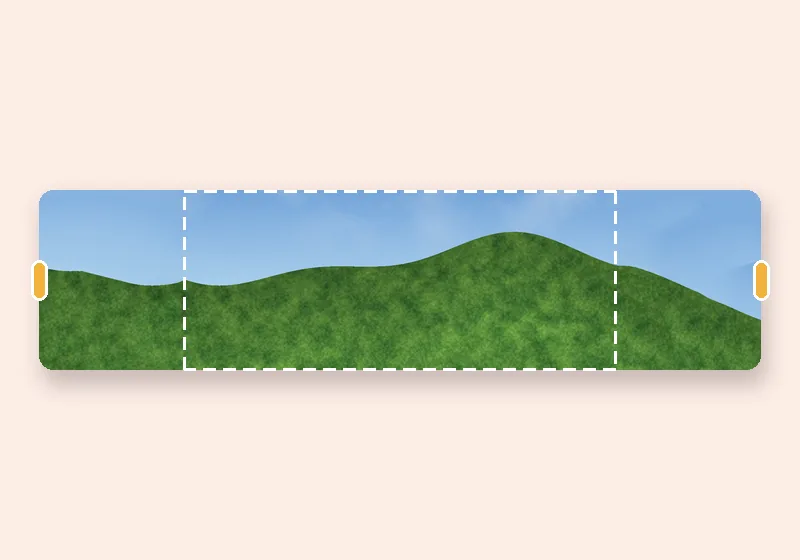
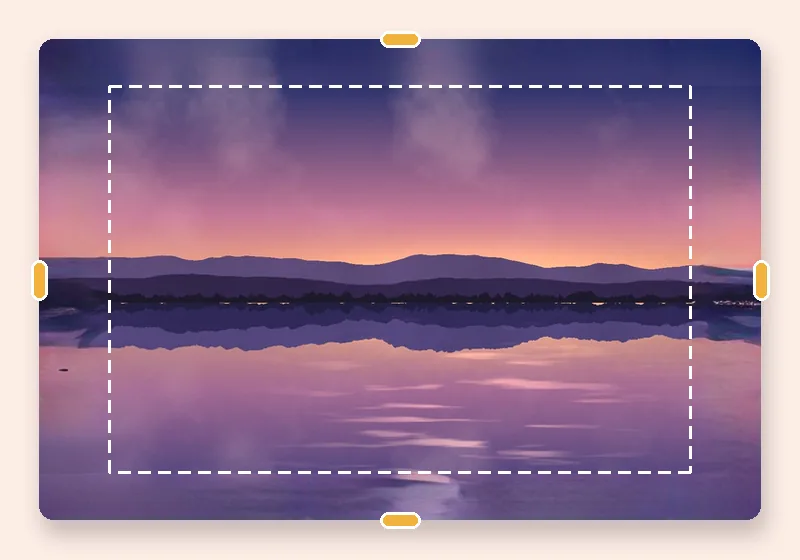
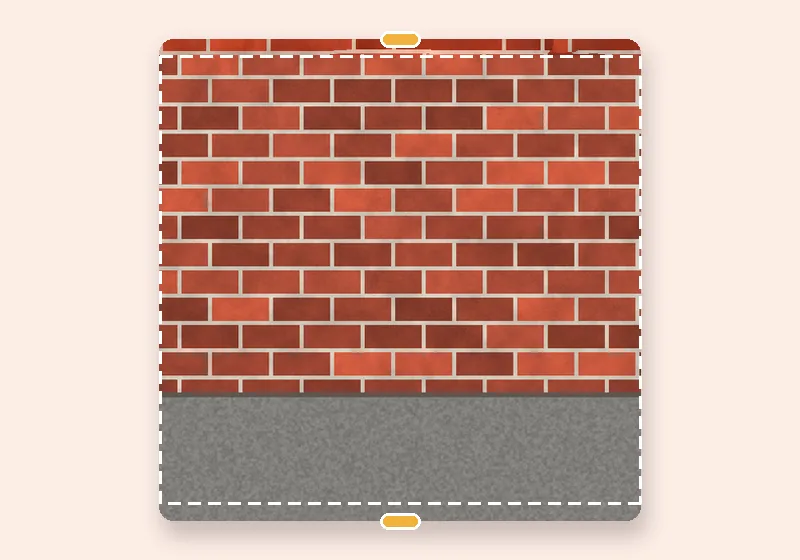
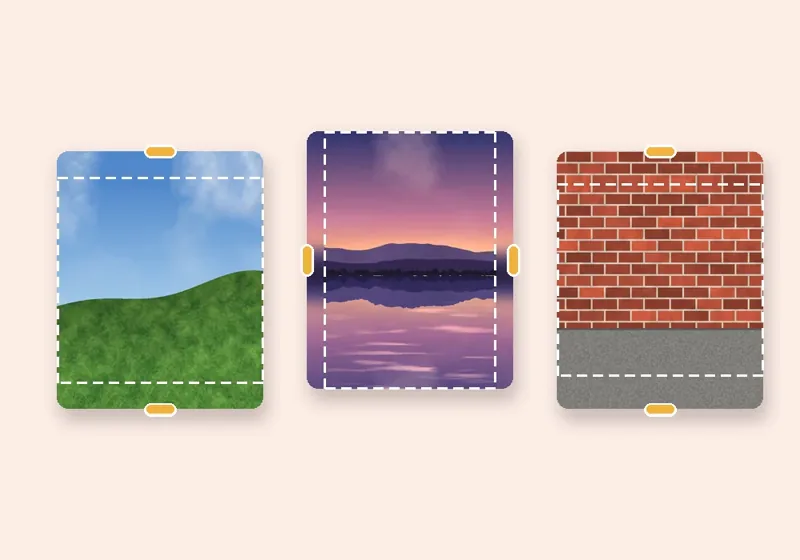
It copies small patches of your own photo. For every bit of new edge it searches the photo for the patch that fits best with what is already there, then blends those patches together, working from a rough version of the picture down to full detail. Skies, walls, grass, sand, water and studio backdrops come out convincingly; faces, text and unique objects are not invented.
Is my photo uploaded anywhere?
No. The photo is opened, extended and saved by this browser tab. The only optional downloads are the AI models, which are plain files coming to you — nothing about your photo goes out.