Extend a photo

Cover photo resizer

Long, thin covers from any photo.

Fit a photo to LinkedIn, X or Facebook cover sizes — the long sides are extended, not cropped.

Free · No sign-up · Photos stay on your device

or drop a photo anywhere here, or paste one

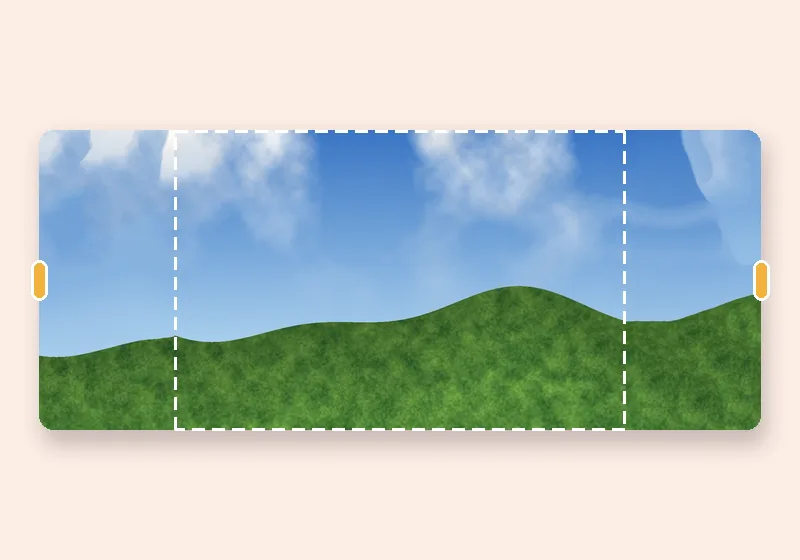
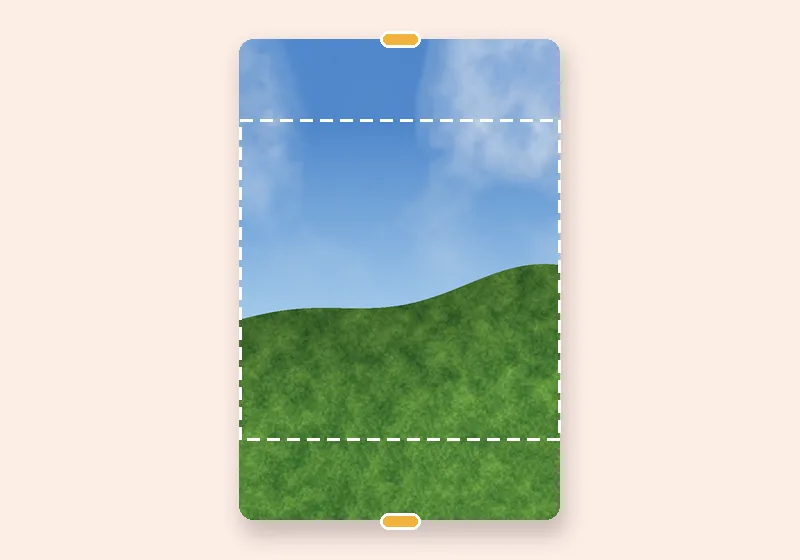
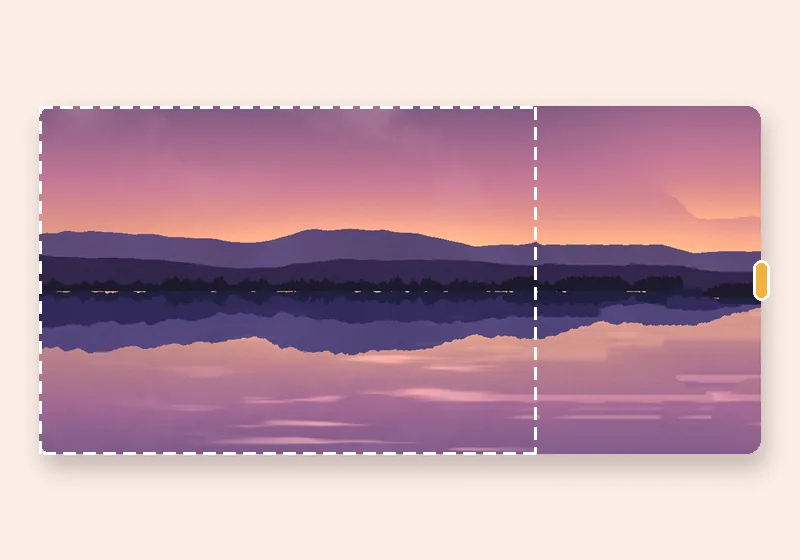
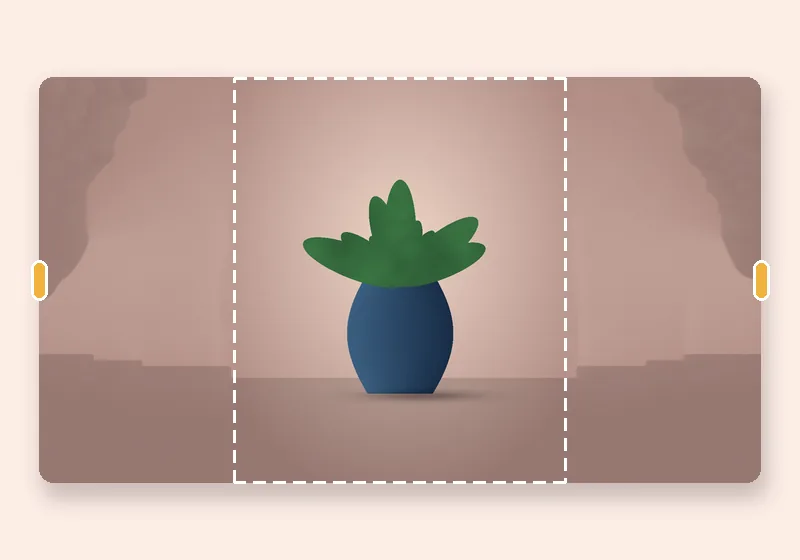
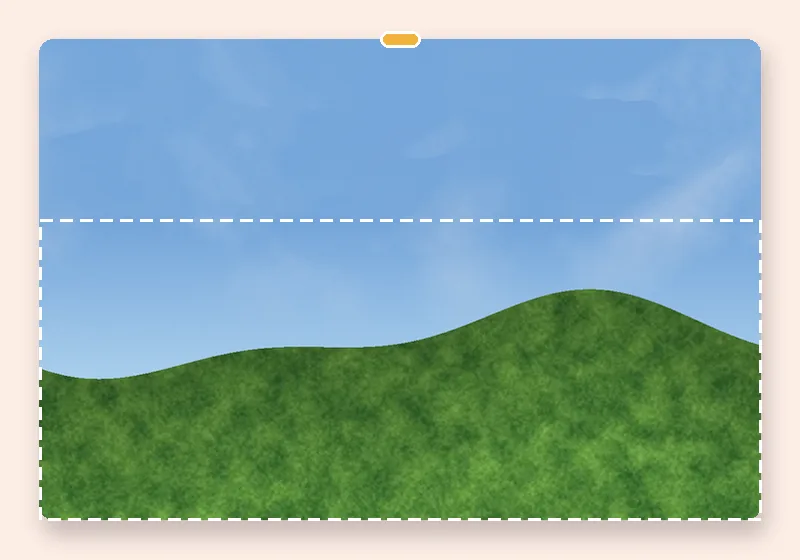
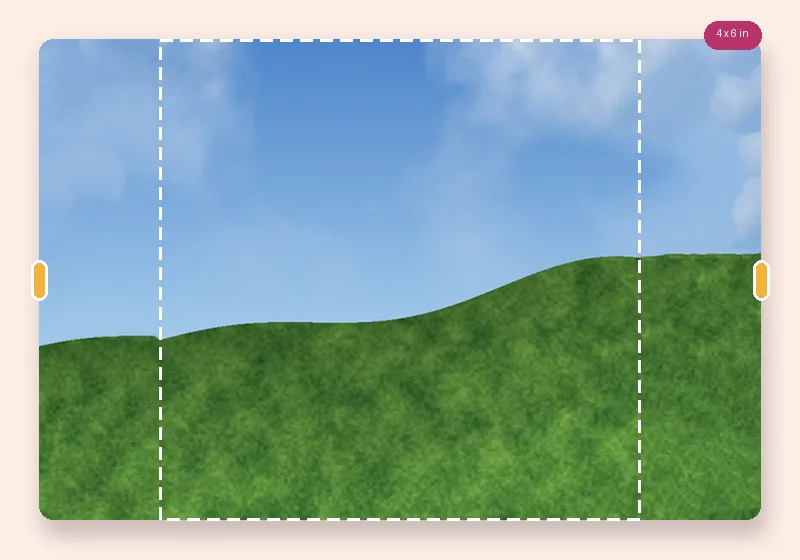
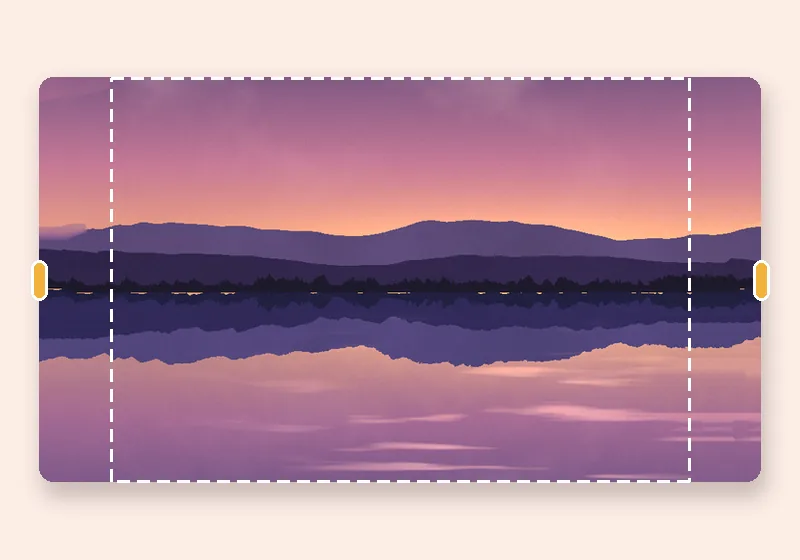
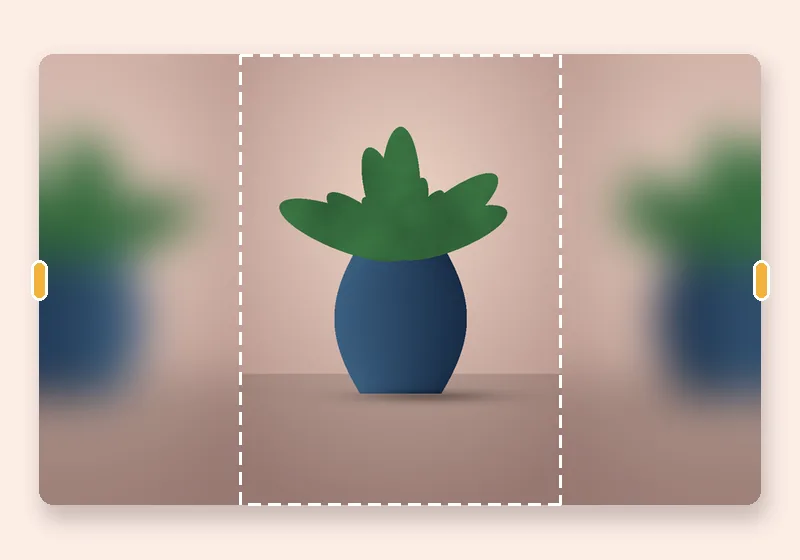
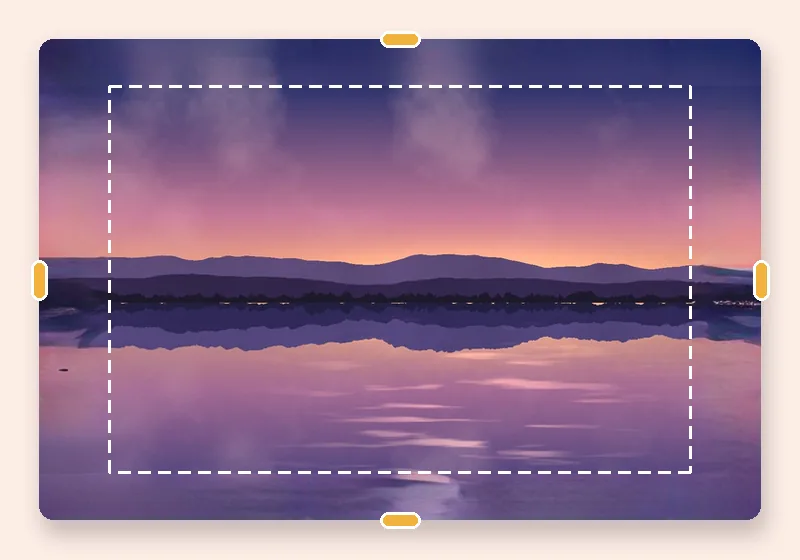
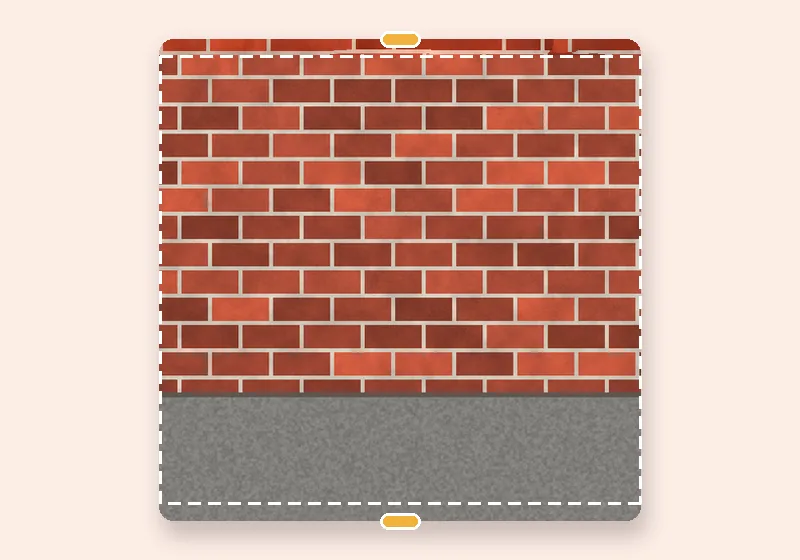
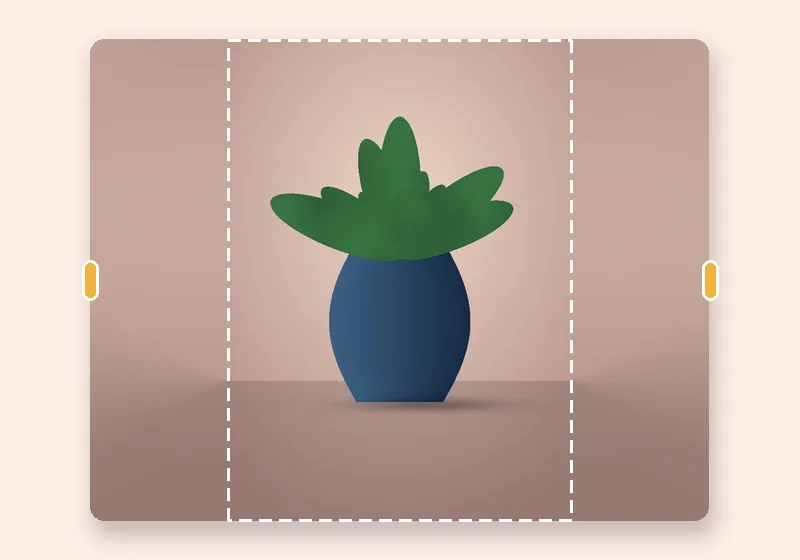
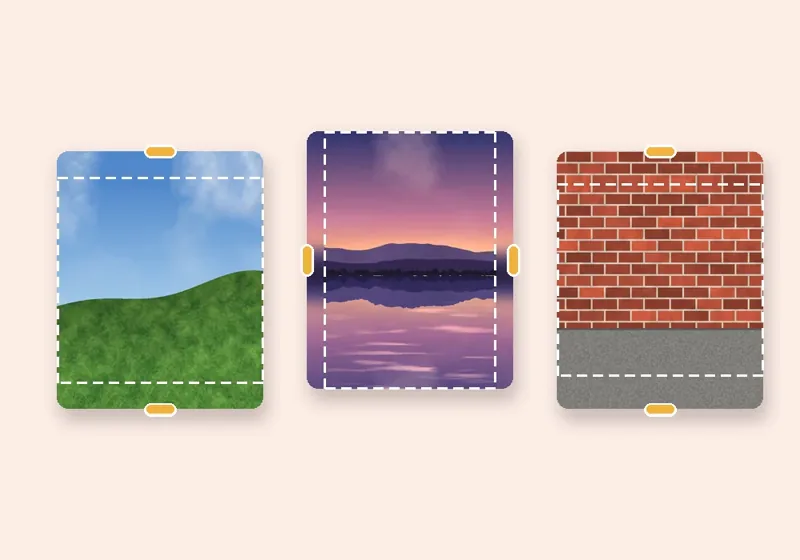
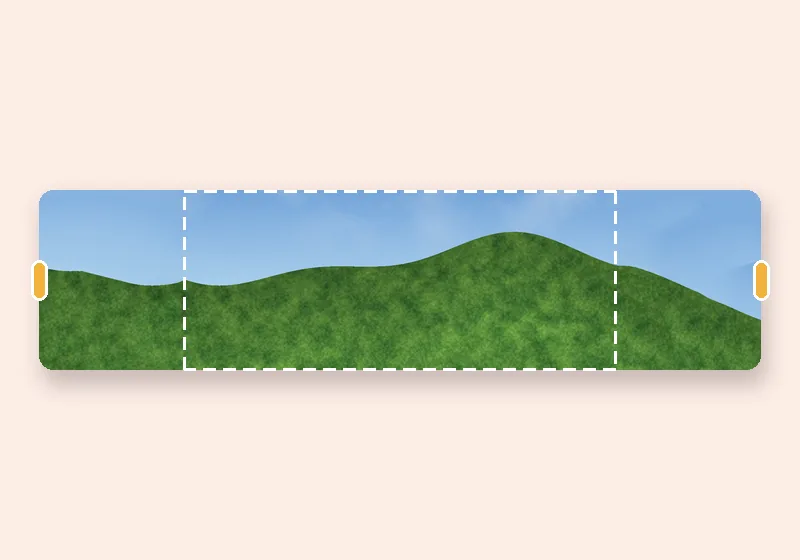
Cover photo resizer: example made with this tool — the dashed frame is the original photo
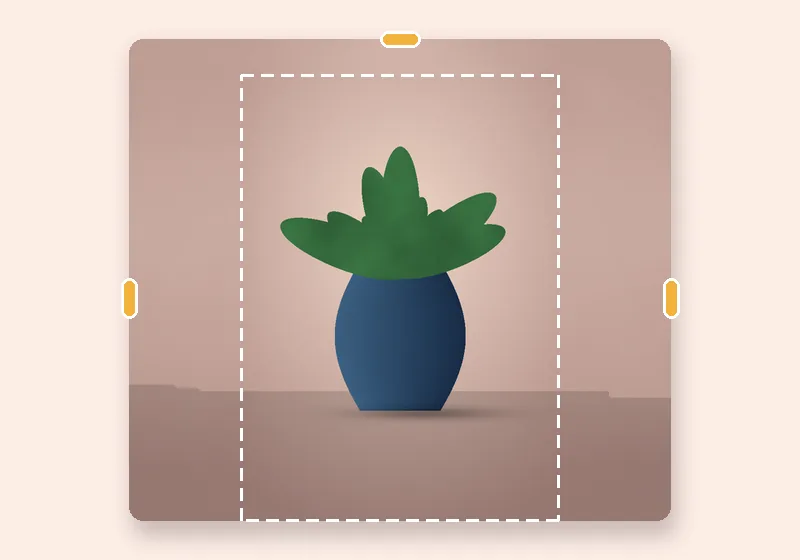
Dashed line = the original photo

How it works

  1. Open a photo

    Choose, drop or paste a JPG, PNG or WebP. It opens in this tab.

  2. Pull the edges

    Drag any side outward, or pick an exact size. The new space fills in.

  3. Download

    Save as JPG, PNG or WebP at full resolution.

Covers are four times wider than they are tall

A LinkedIn profile background is 4:1, an X header 3:1. Almost no photo has that shape, so uploading one means a deep crop. Extending the sides gives you the full photo plus a wide, matching background.

The LinkedIn preset places your photo on the right third, because your profile picture covers the lower left of the banner. Drag it anywhere, or choose Place the photo → Centre.

  • LinkedIn background — 1584 × 396
  • LinkedIn page cover — 1128 × 191
  • X (Twitter) header — 1500 × 500
  • Facebook cover — 1640 × 624 (twice the 820 × 312 desktop display)
Questions

What size should a LinkedIn background photo be?

LinkedIn's recommended size for a personal profile background is 1584 × 396 pixels (4:1). Sizes here are as published in October 2026; check LinkedIn Help before an important upload.

Why is my photo on the right?

On LinkedIn your round profile photo sits over the lower left of the background, so the preset leaves that area to the extended background. Drag the photo or change Place the photo to move it.

Which fill looks best for covers?

Smart fill for scenery and offices, Soft blur for portraits, Colour for a clean brand look with text added later.

Is my photo uploaded anywhere?

No. The photo is opened, extended and saved by this browser tab. The only optional downloads are the AI models, which are plain files coming to you — nothing about your photo goes out.