Extend a photo

Extend image background

More background. Same you.

Grow the scene around a person without stretching or copying them into the new space.

Free · No sign-up · Photos stay on your device

or drop a photo anywhere here, or paste one

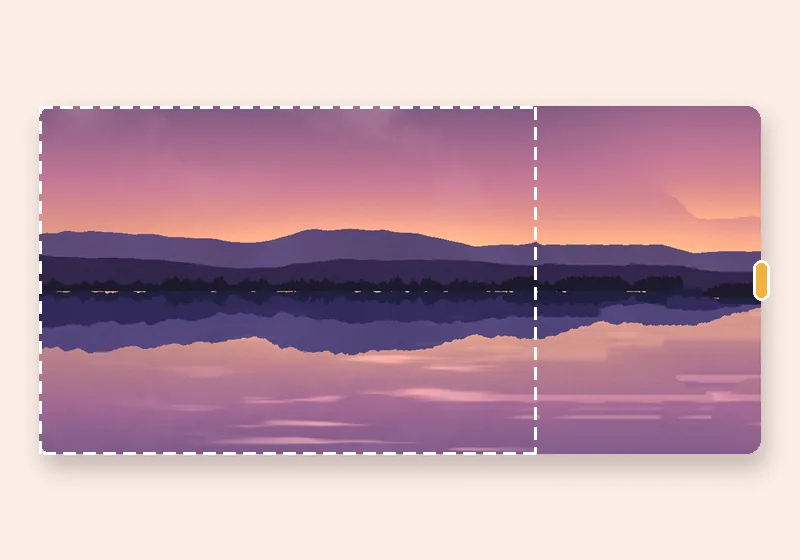
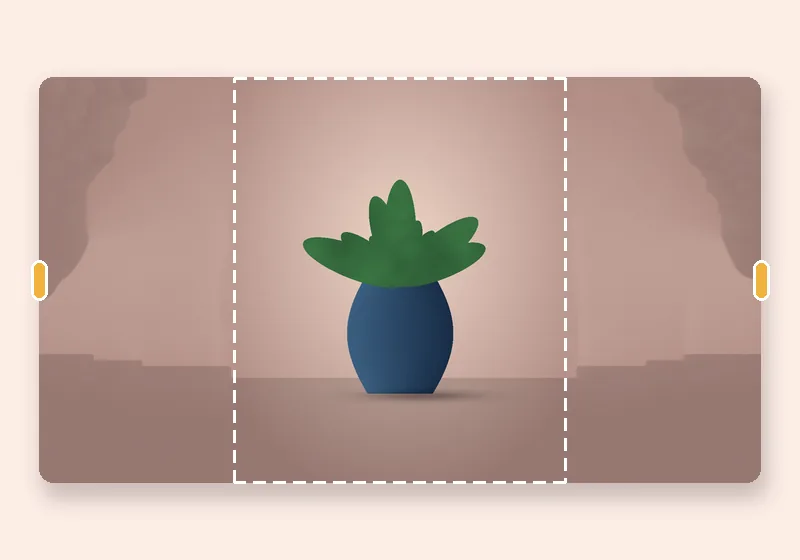
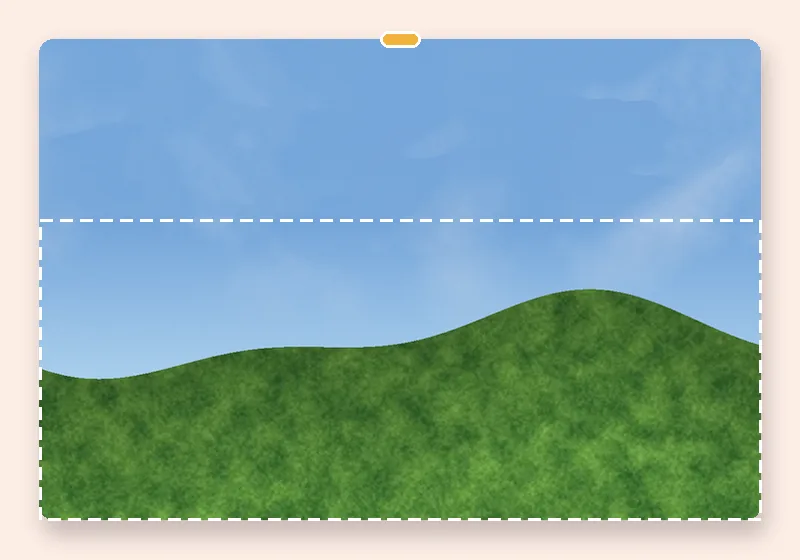
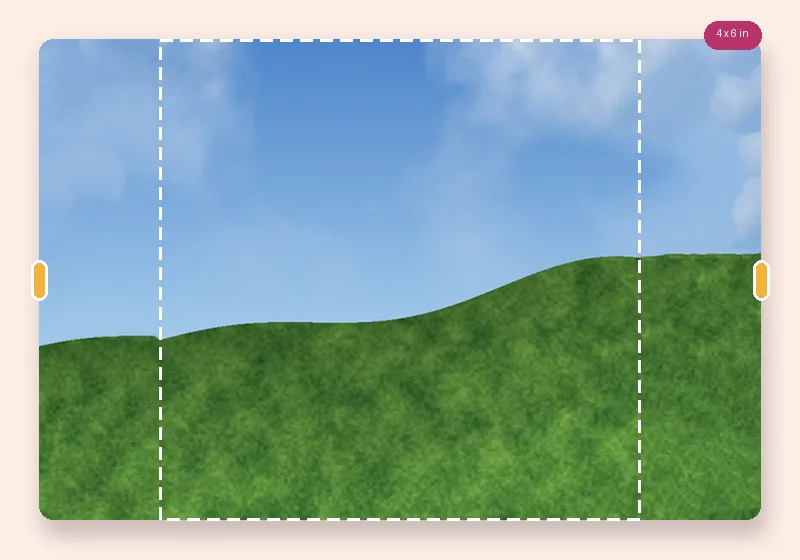
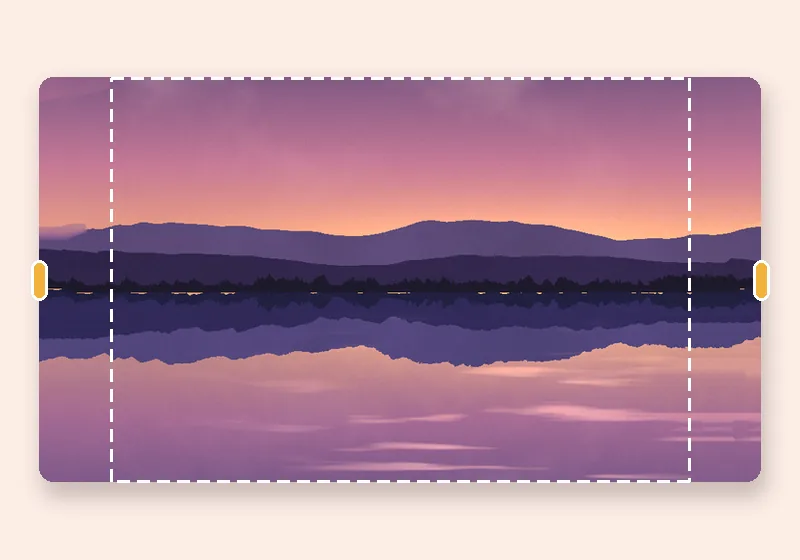
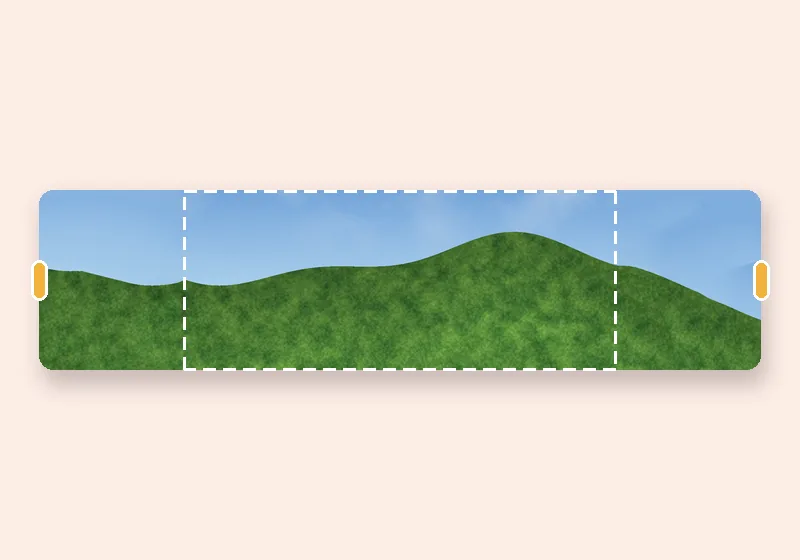
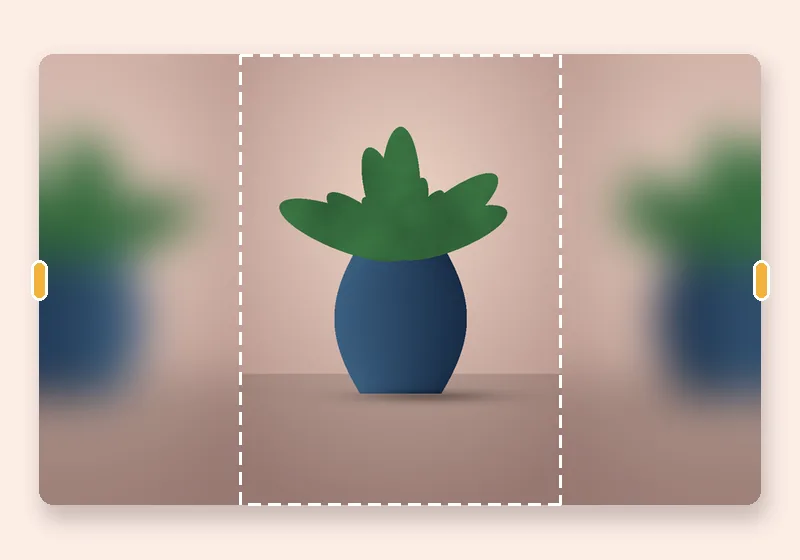
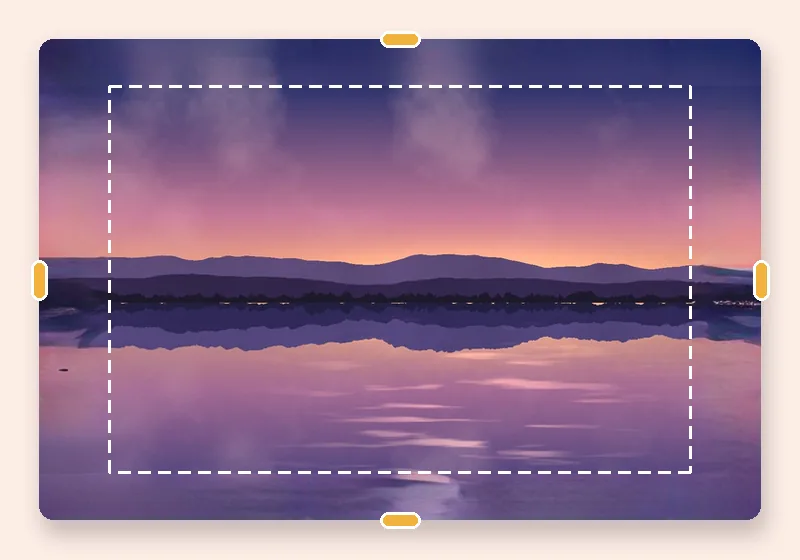
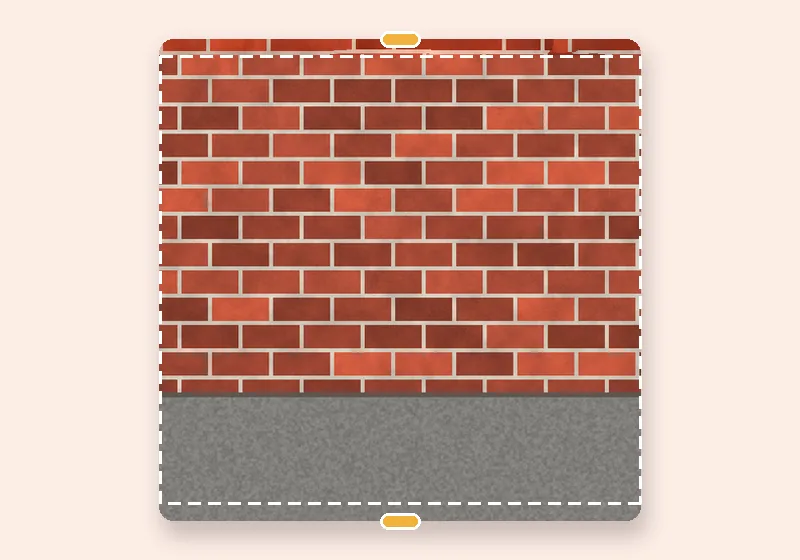
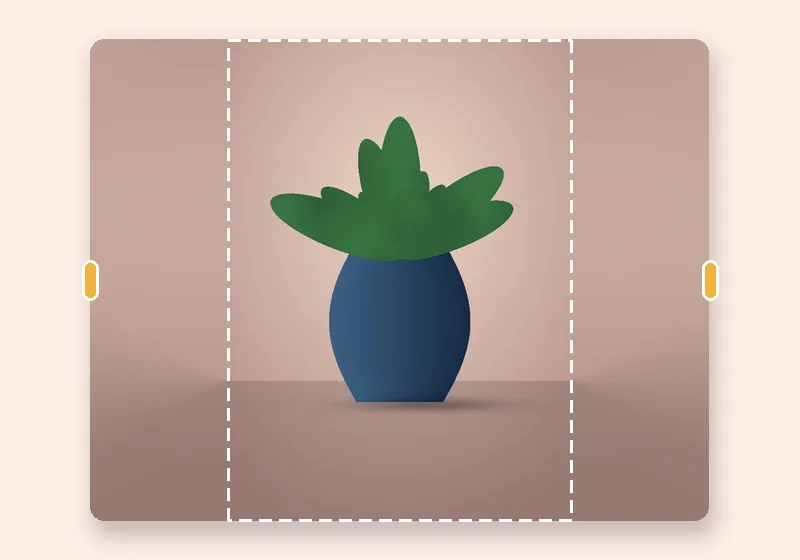
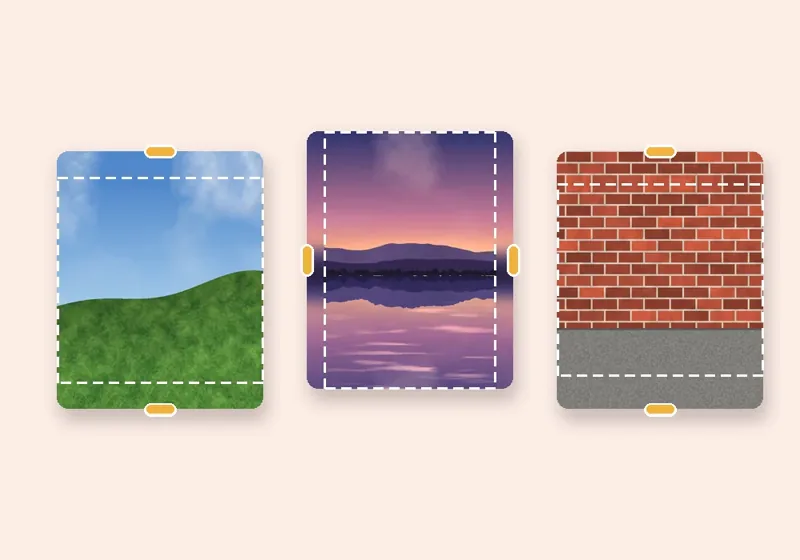
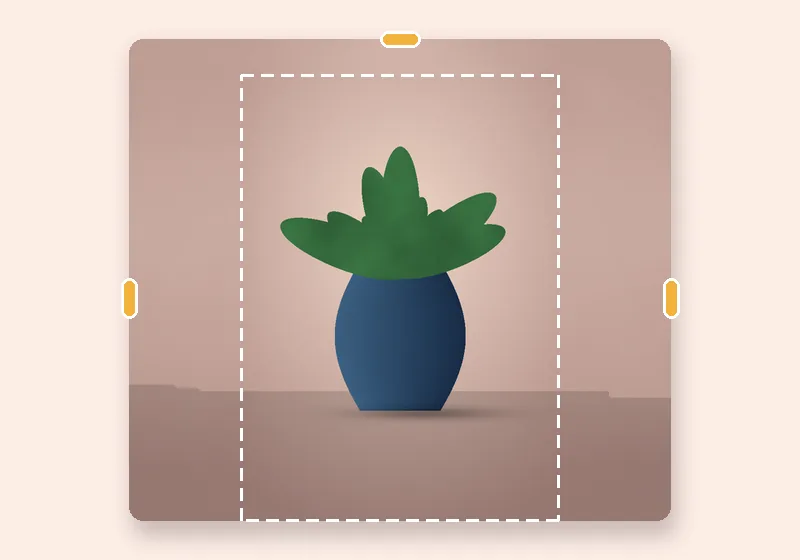
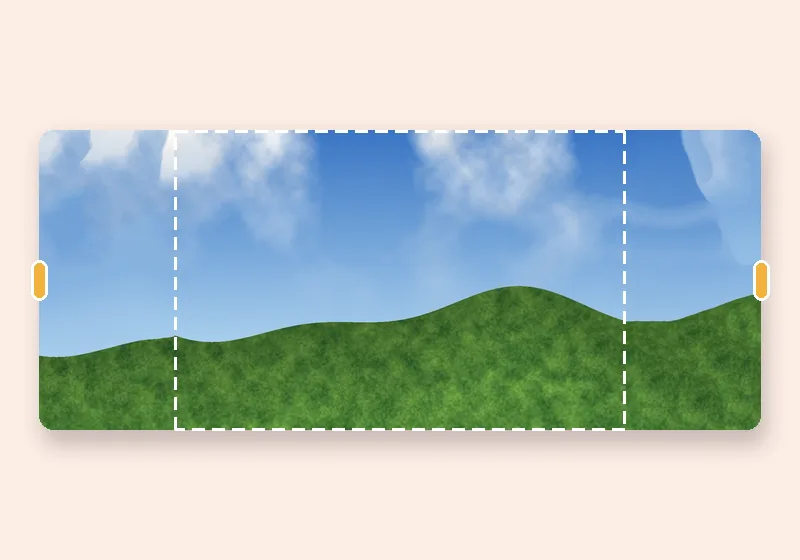
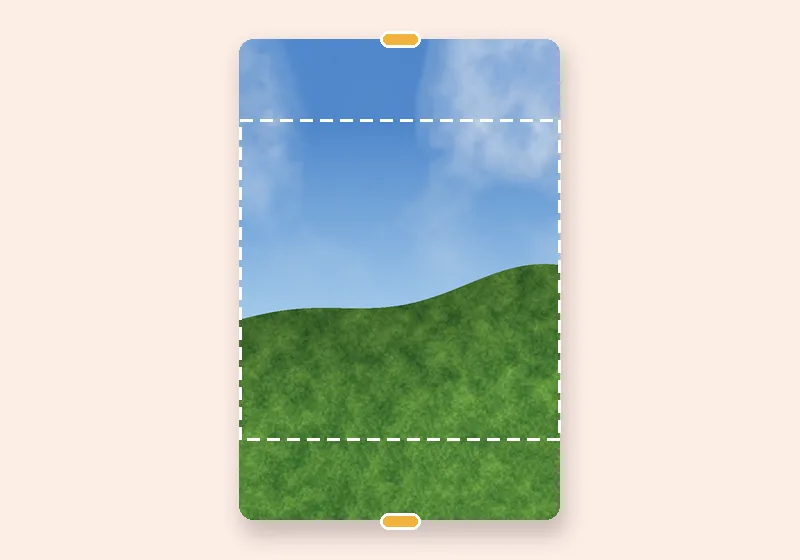
Extend background: example made with this tool — the dashed frame is the original photo
Dashed line = the original photo

How it works

  1. Open a photo

    Choose, drop or paste a JPG, PNG or WebP. It opens in this tab.

  2. Pull the edges

    Drag any side outward, or pick an exact size. The new space fills in.

  3. Download

    Save as JPG, PNG or WebP at full resolution.

Why people get copied into extended backgrounds

Simple extenders stretch or mirror whatever touches the edge. If an arm or a shoulder reaches the border, you get a smeared streak of skin or a mirrored second shoulder. Patch-based fills can do the same thing — they happily copy bits of a person because those bits are right there.

Turn on Keep people out of the new edges and a small person-segmentation model (6.2 MB, downloaded once) marks where the person is. That area is then never used as material: smart fill builds the new background only from background, and stretch, mirror and blur read from a copy of the photo with the person painted out.

When to use it

Portraits that are framed too tight for a profile banner, group photos that need room for text, product shots with a model at the edge, or a selfie that needs to become a landscape wallpaper.
Questions

Does the person get changed at all?

No. The original photo's pixels are copied into the result unchanged. The person finder only decides which pixels may be used to build the new edges.

What if there is no person in my photo?

Then you don't need the option — leave it off and smart fill uses the whole photo. The finder is trained on people, so it won't help with pets or products.

Is the person finder downloaded every time?

Once. The 6.2 MB model file is kept in your browser's storage, so it loads instantly the next time. Your photo itself never leaves the page.

A person is cut off at the edge — will the extension finish their body?

No, and on purpose. Inventing a body that was never photographed is a job for generative tools. Here the background continues and the person stays exactly as cropped.

Is my photo uploaded anywhere?

No. The photo is opened, extended and saved by this browser tab. The only optional downloads are the AI models, which are plain files coming to you — nothing about your photo goes out.