Extend a photo

YouTube banner resizer

Any photo, banner-shaped.

Fit a photo to YouTube's 2560 × 1440 channel art and see the area every device shows.

Free · No sign-up · Photos stay on your device

or drop a photo anywhere here, or paste one

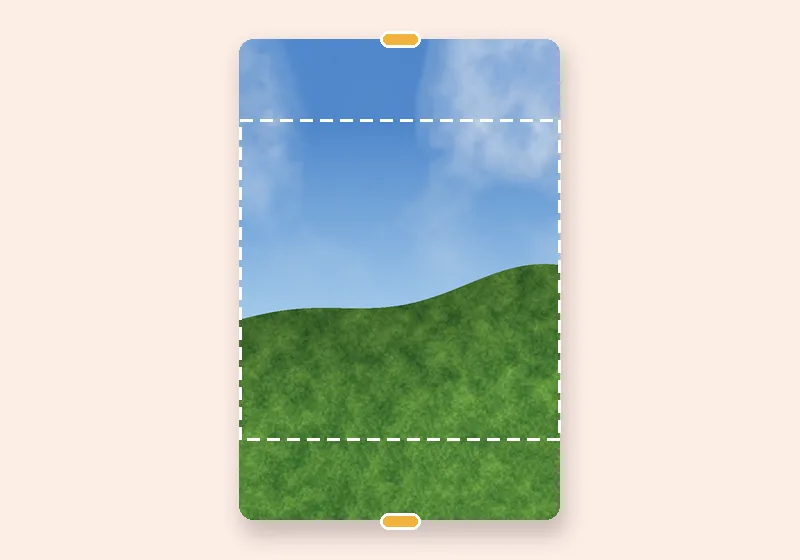
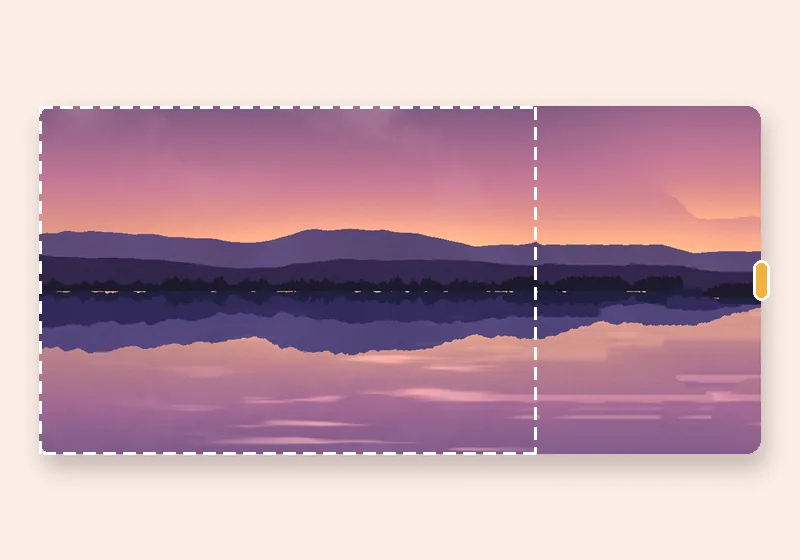
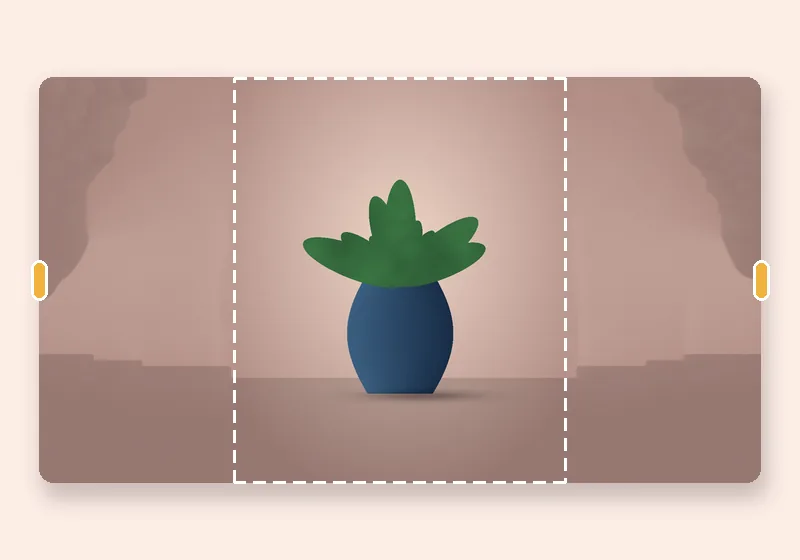
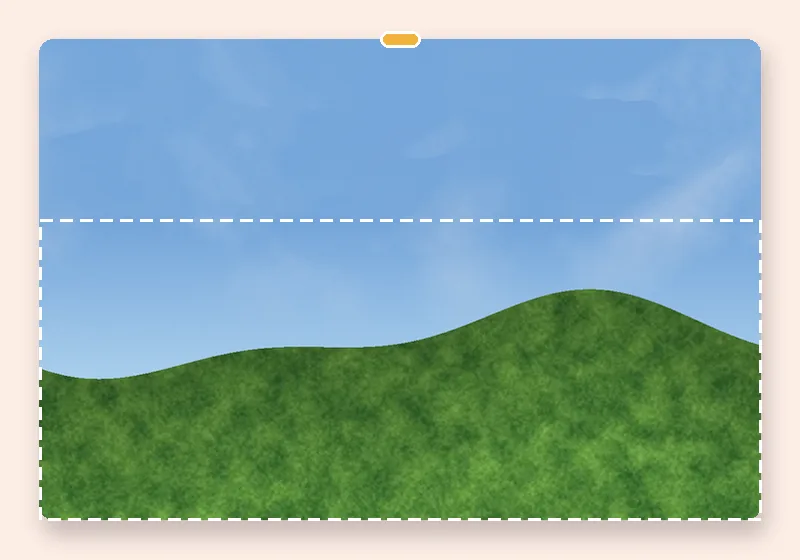
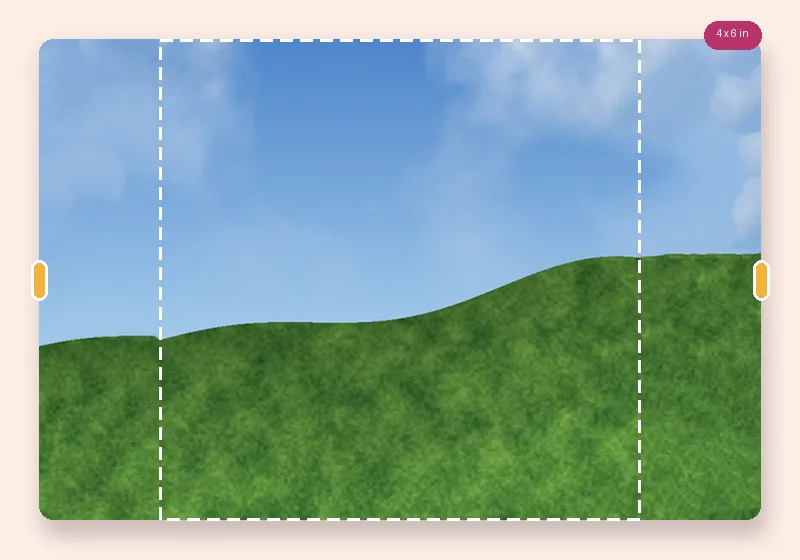
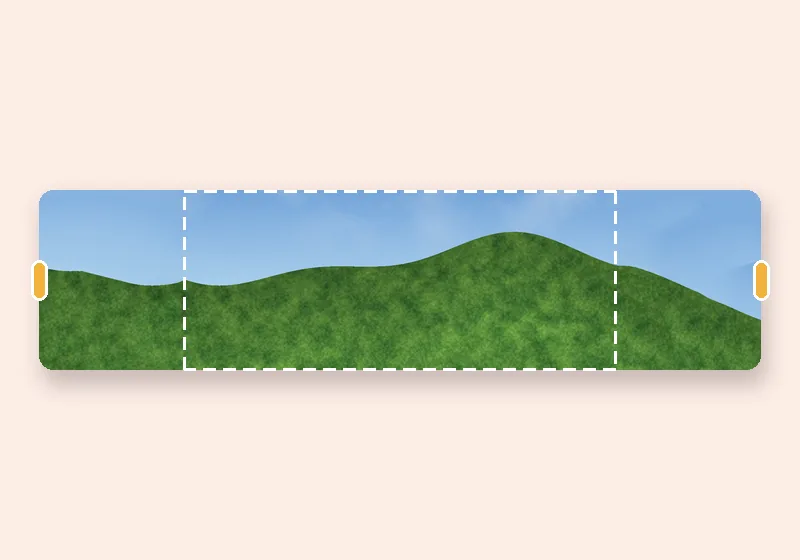
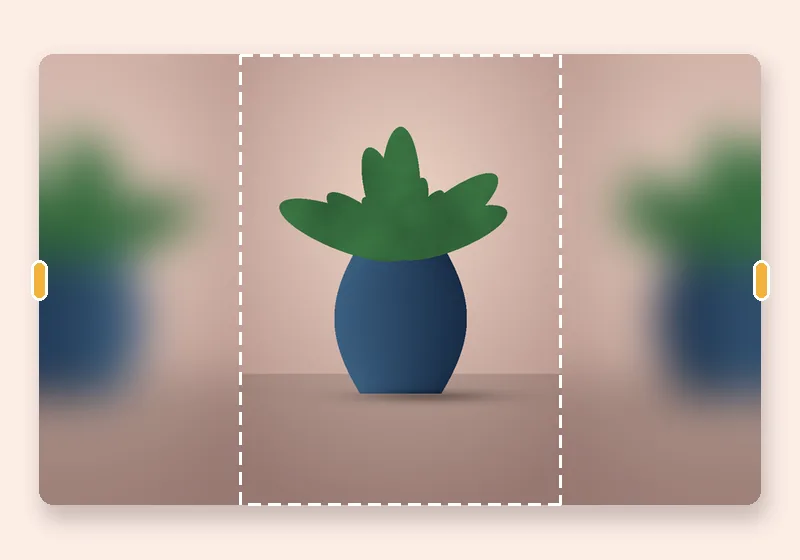
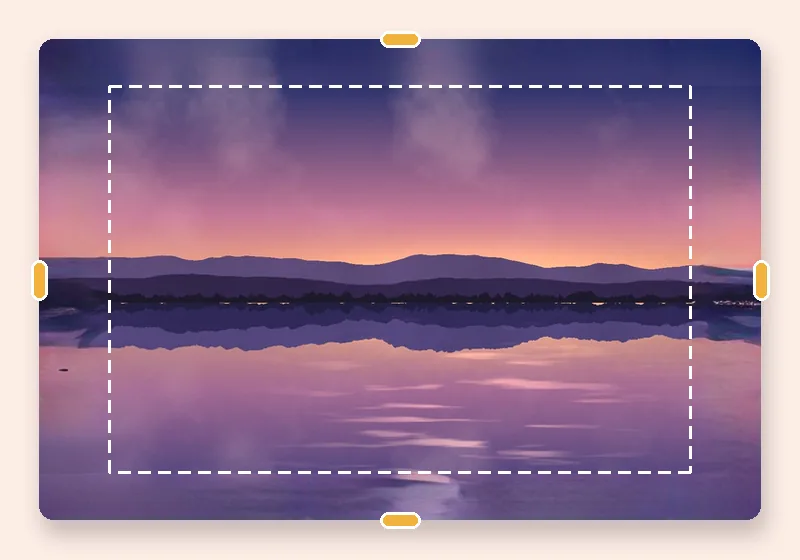
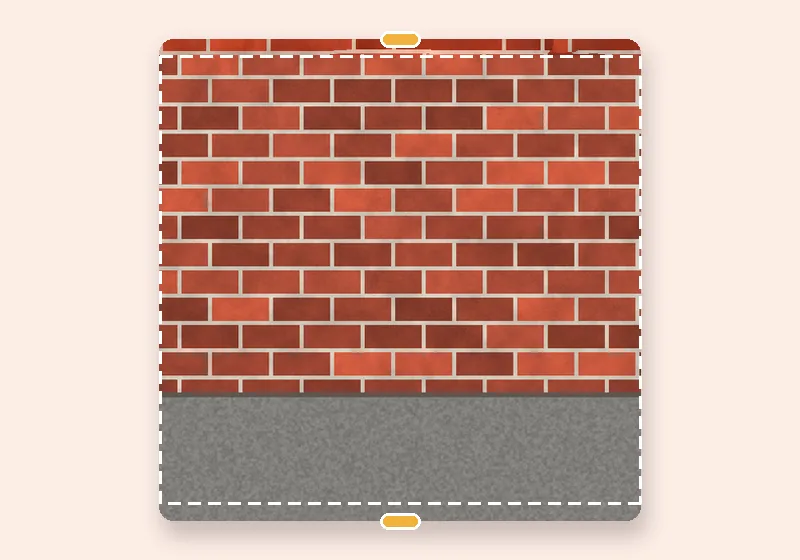
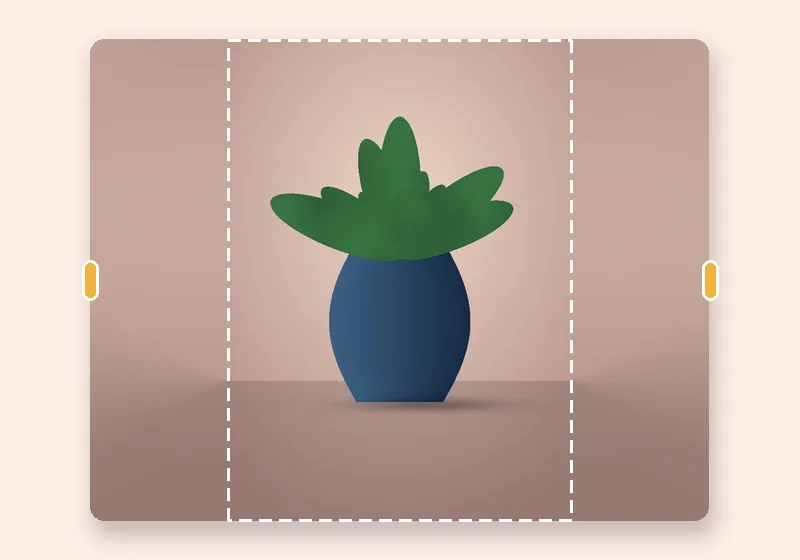
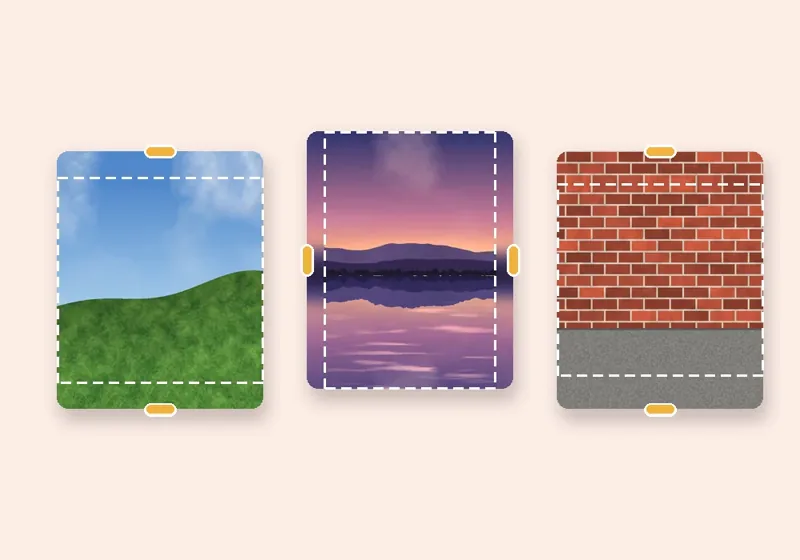
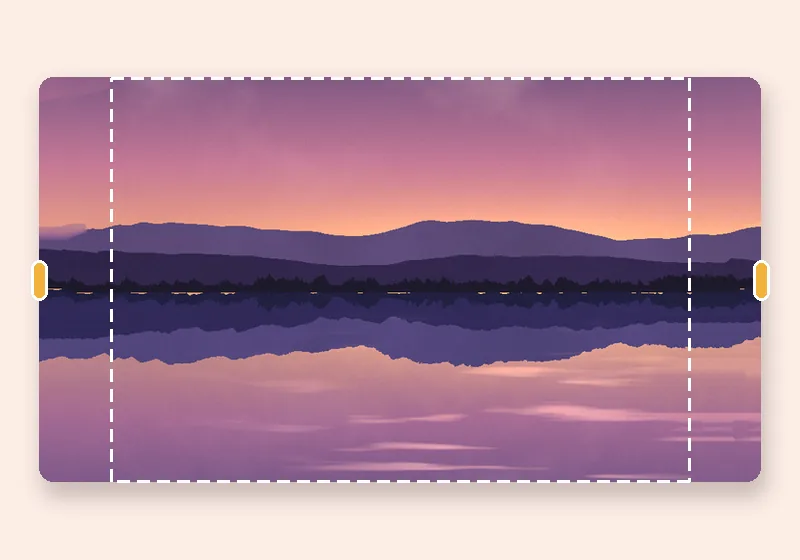
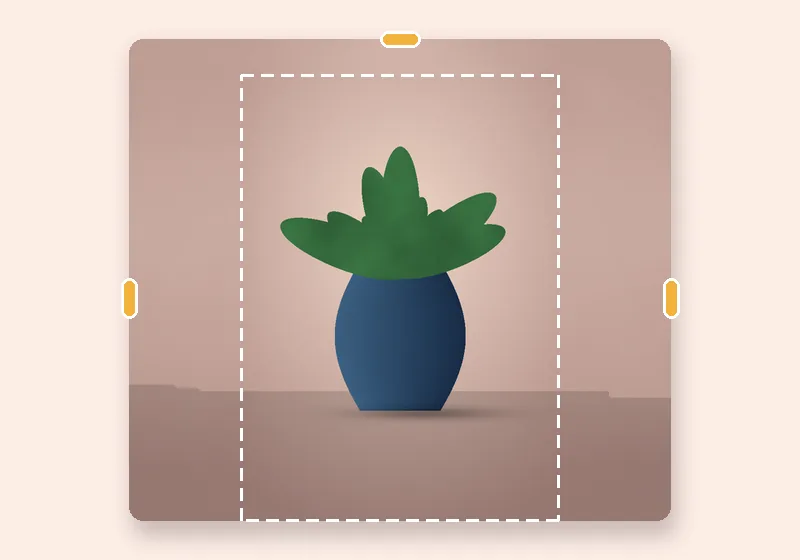
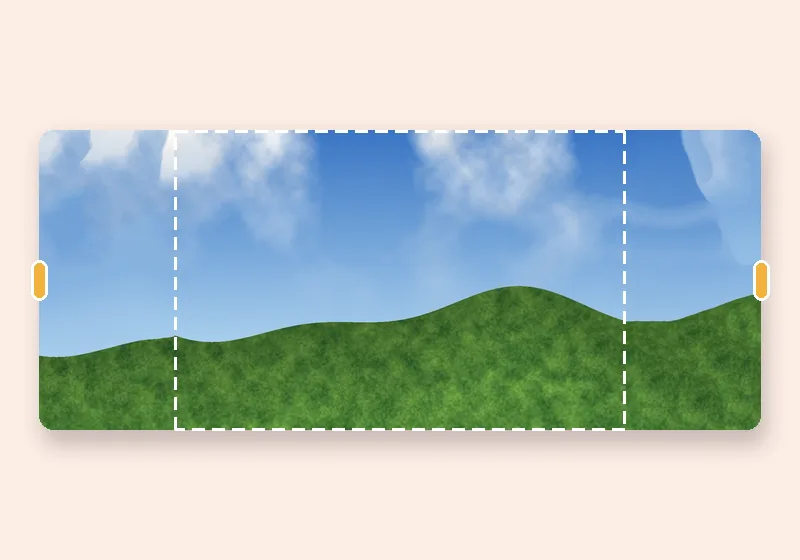
YouTube banner resizer: example made with this tool — the dashed frame is the original photo
Dashed line = the original photo

How it works

  1. Open a photo

    Choose, drop or paste a JPG, PNG or WebP. It opens in this tab.

  2. Pull the edges

    Drag any side outward, or pick an exact size. The new space fills in.

  3. Download

    Save as JPG, PNG or WebP at full resolution.

The YouTube banner problem

YouTube channel art is a 16:9 image, but most devices only show a thin strip in the middle — on a phone, roughly the central 1546 × 423 pixels of a 2560 × 1440 banner. A photo resized to fit that strip leaves the rest of the banner empty; a photo resized to fill the whole banner gets its important part cut off.

Here your photo is fitted where you place it and the rest of the 16:9 canvas is extended to match. The dashed box shows the area that stays visible everywhere — keep faces and logos inside it.

Sizes

2560 × 1440 is the recommended size; 2048 × 1152 is the smallest YouTube accepts, with a 1235 × 338 safe area. Sizes are as YouTube published them in October 2026 — check YouTube Help before an important upload. YouTube also asks for 6 MB or less: choose JPG at High quality.
Questions

What size is a YouTube banner?

YouTube recommends 2560 × 1440 pixels (16:9), with a minimum of 2048 × 1152. The always-visible safe area at the minimum size is 1235 × 338 pixels in the centre.

How do I make my photo fit the banner without cropping?

Open it here; it's fitted into 2560 × 1440 and centred on the safe area. Use Photo size in the frame to make it smaller, drag it to position, and the empty sides fill to match.

Can I make a YouTube thumbnail too?

Yes — under YouTube choose YouTube thumbnail (1280 × 720).

Is my photo uploaded anywhere?

No. The photo is opened, extended and saved by this browser tab. The only optional downloads are the AI models, which are plain files coming to you — nothing about your photo goes out.