Extend a photo

Batch extend photos

Fifty photos, one size, one click.

Extend a whole set to the same shape or print size and download them together as a ZIP.

Free · No sign-up · Photos stay on your device

Up to 50 photos at a time, or drop them here

How it works

  1. Open a photo

    Choose, drop or paste a JPG, PNG or WebP. It opens in this tab.

  2. Pull the edges

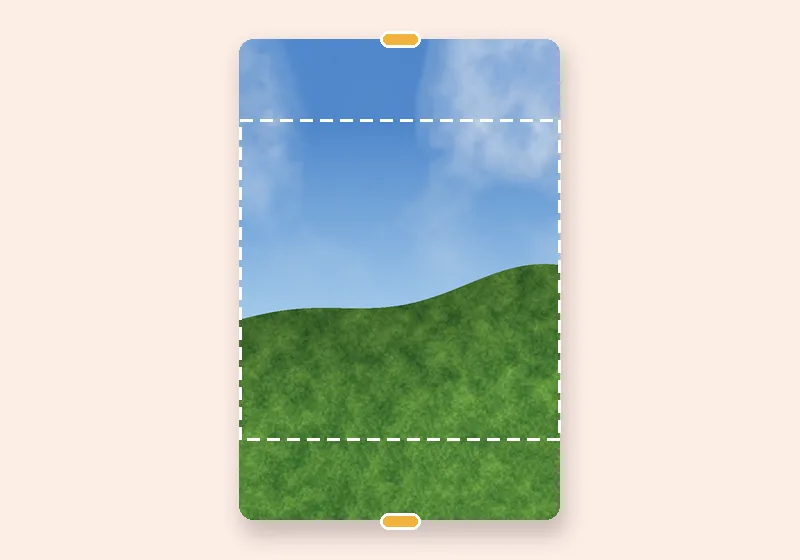
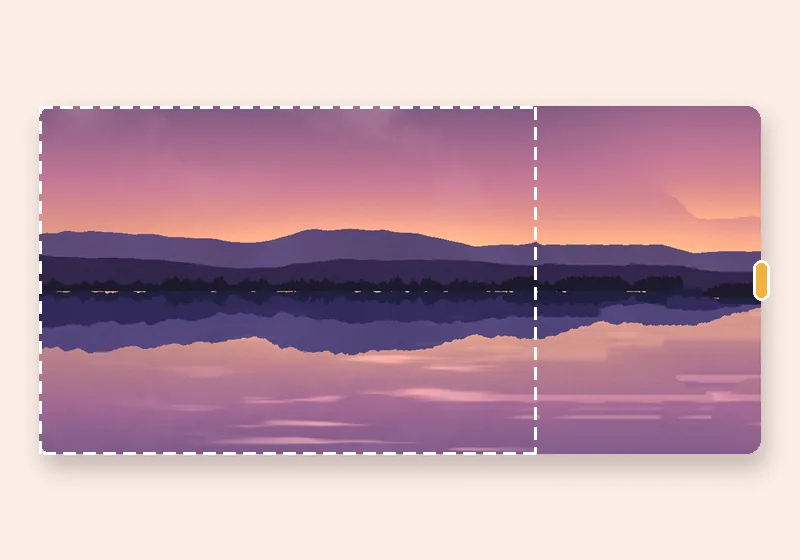
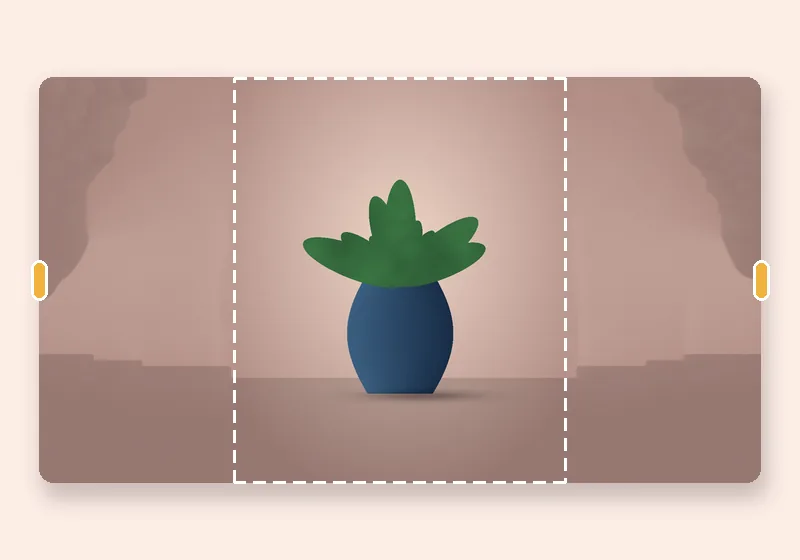
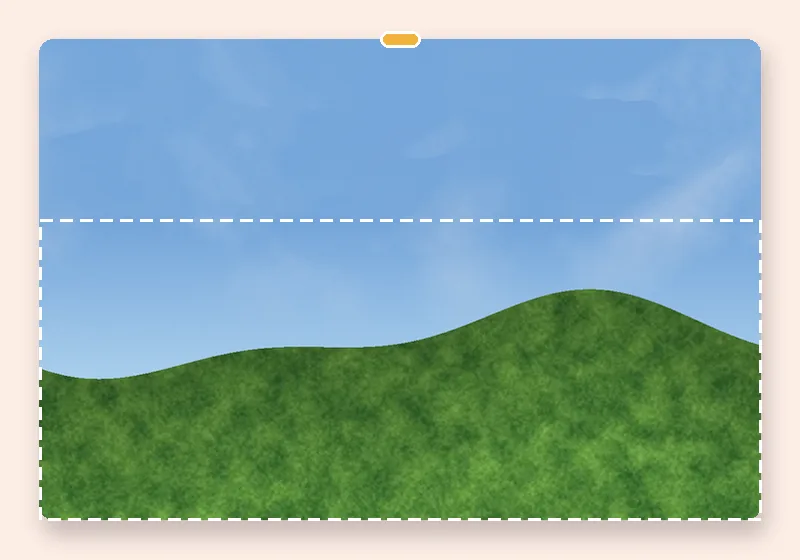
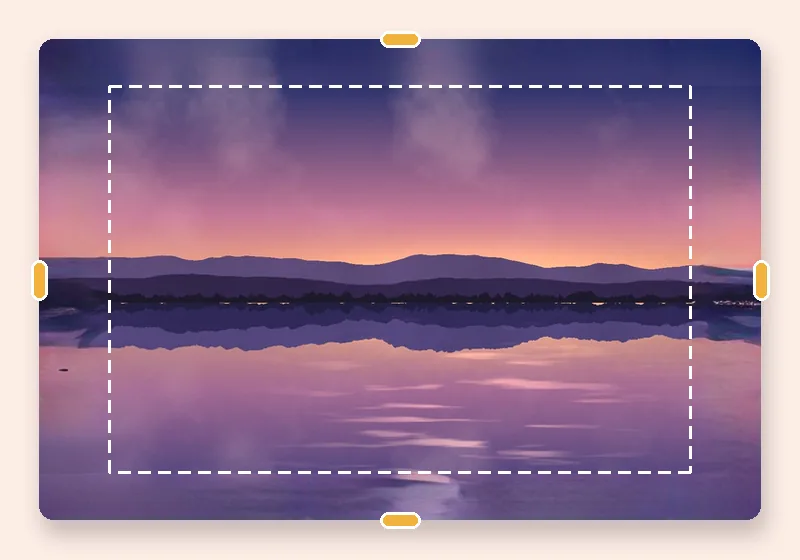
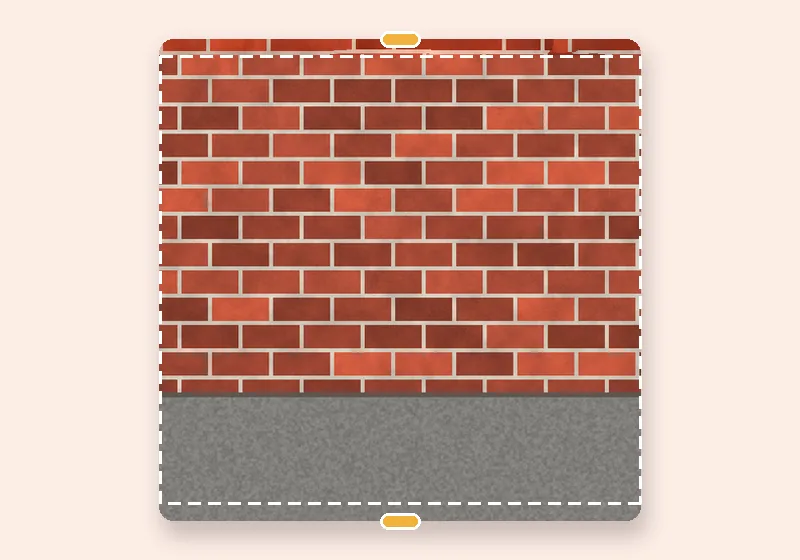
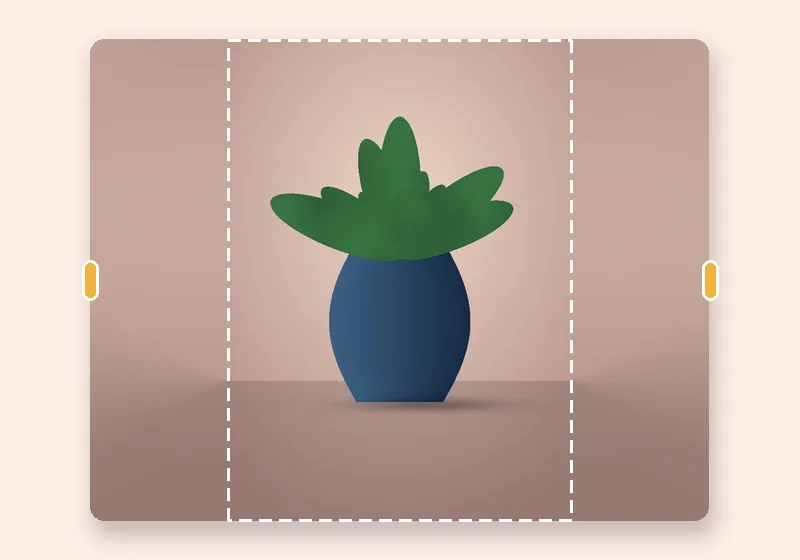
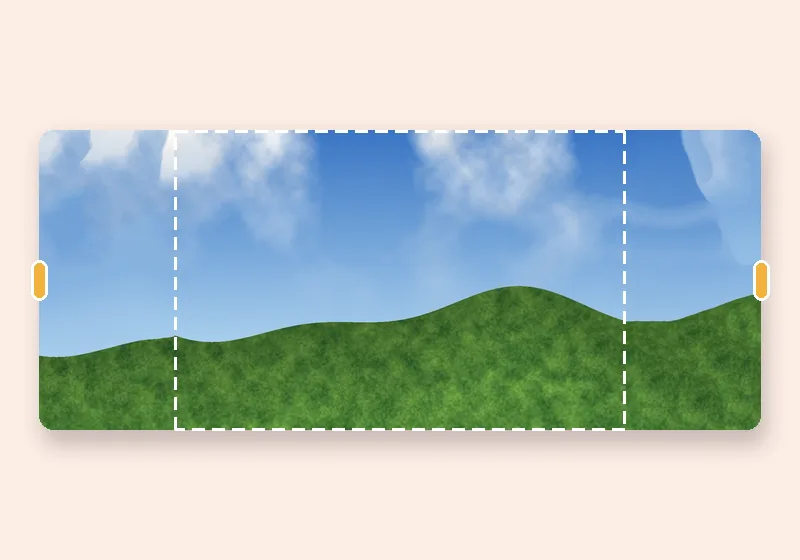
    Drag any side outward, or pick an exact size. The new space fills in.

  3. Download

    Save as JPG, PNG or WebP at full resolution.

Same shape for a whole set

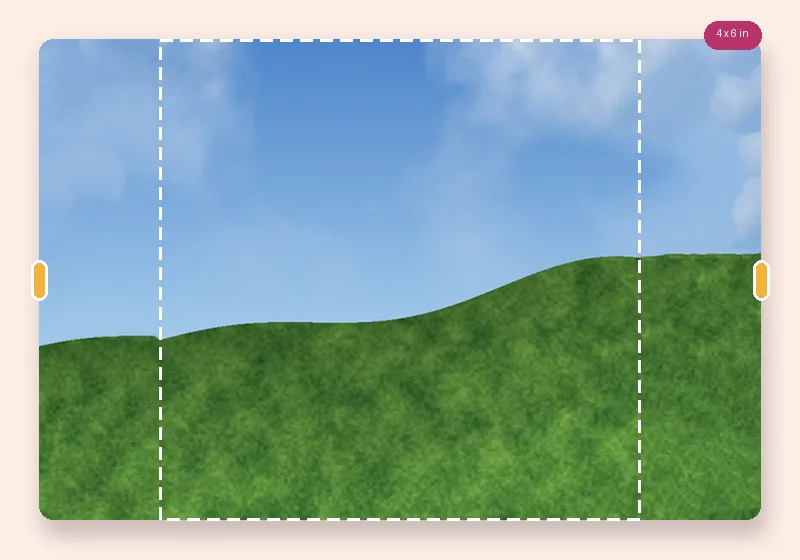
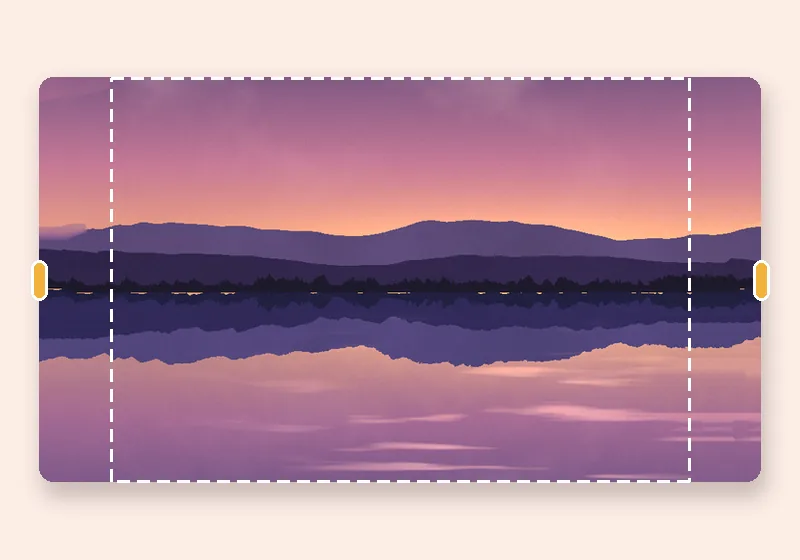
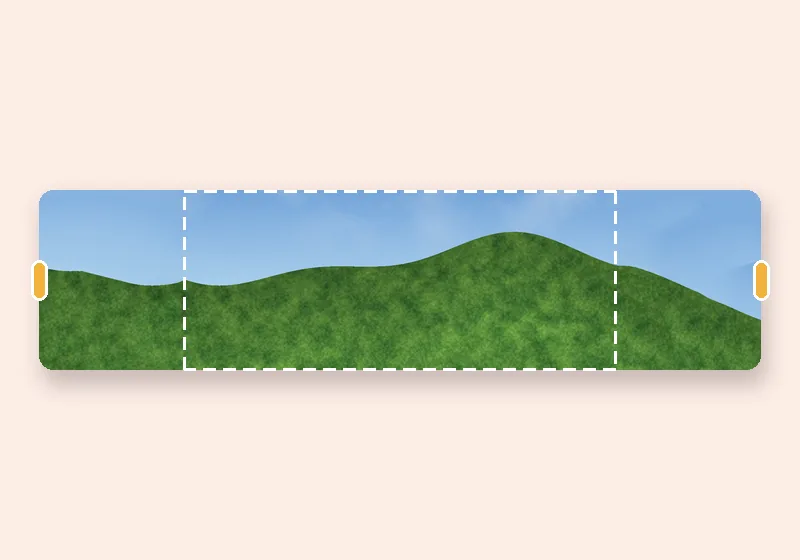
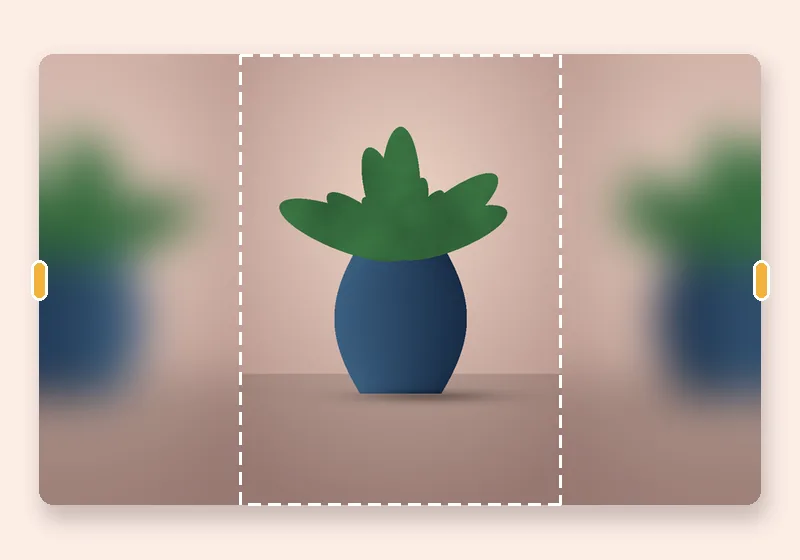
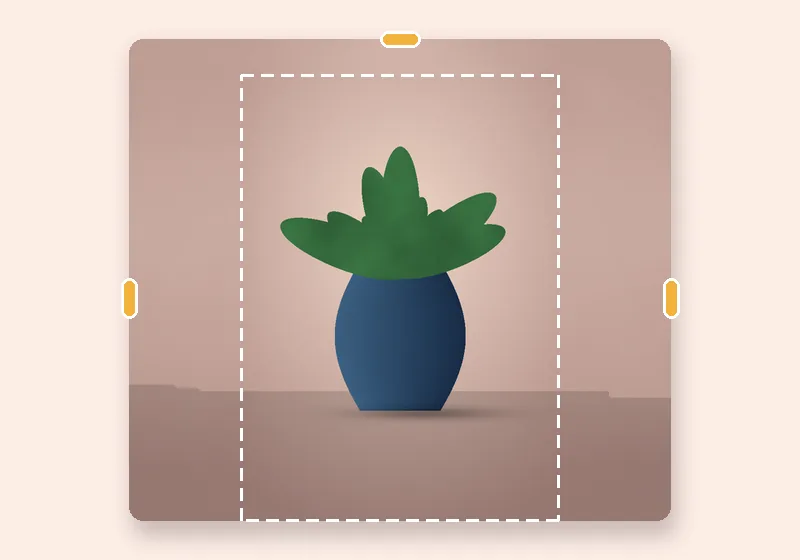
Product listings that must be square, a folder of prints that must all be 4×6, a carousel where every slide is 4:5: choose one setting and every photo is extended to it, centred, with the fill you pick.

Photos are processed one after another in this tab and kept in memory until you download them — individually or as a single ZIP.
Questions

How many photos can I extend at once?

Up to 50 per batch. Each is processed in turn, so a large batch of big photos takes a while — keep the tab open.

Why isn't AI fill available for batches?

The AI model takes seconds to minutes per photo, and every photo deserves a look before you use it. Use the single-photo editor for AI fill.

Are the photos uploaded for batch processing?

No. Every photo is opened, extended and zipped in this browser tab.

What's in the ZIP?

One file per photo, named after the original with the new size added, in the format you chose. The ZIP is uncompressed storage, since photos are already compressed.